
Article
Lesson content
Introduction
A prompt is the instruction you give to an AI tool.
It can be short and simple, or it can be detailed and carefully structured. The quality of the prompt often has a big effect on the quality of the generated image.
For Skinbase creators, prompting is especially useful when creating wallpapers, fantasy scenes, sci-fi concepts, abstract designs, icons, skins, interface themes, backgrounds, and creative worlds.
But a prompt is not magic.
A good prompt does not only say what you want. It also helps guide the subject, mood, style, lighting, composition, colors, and final use of the image.
Instead of writing:
beautiful fantasy picture
You can write:
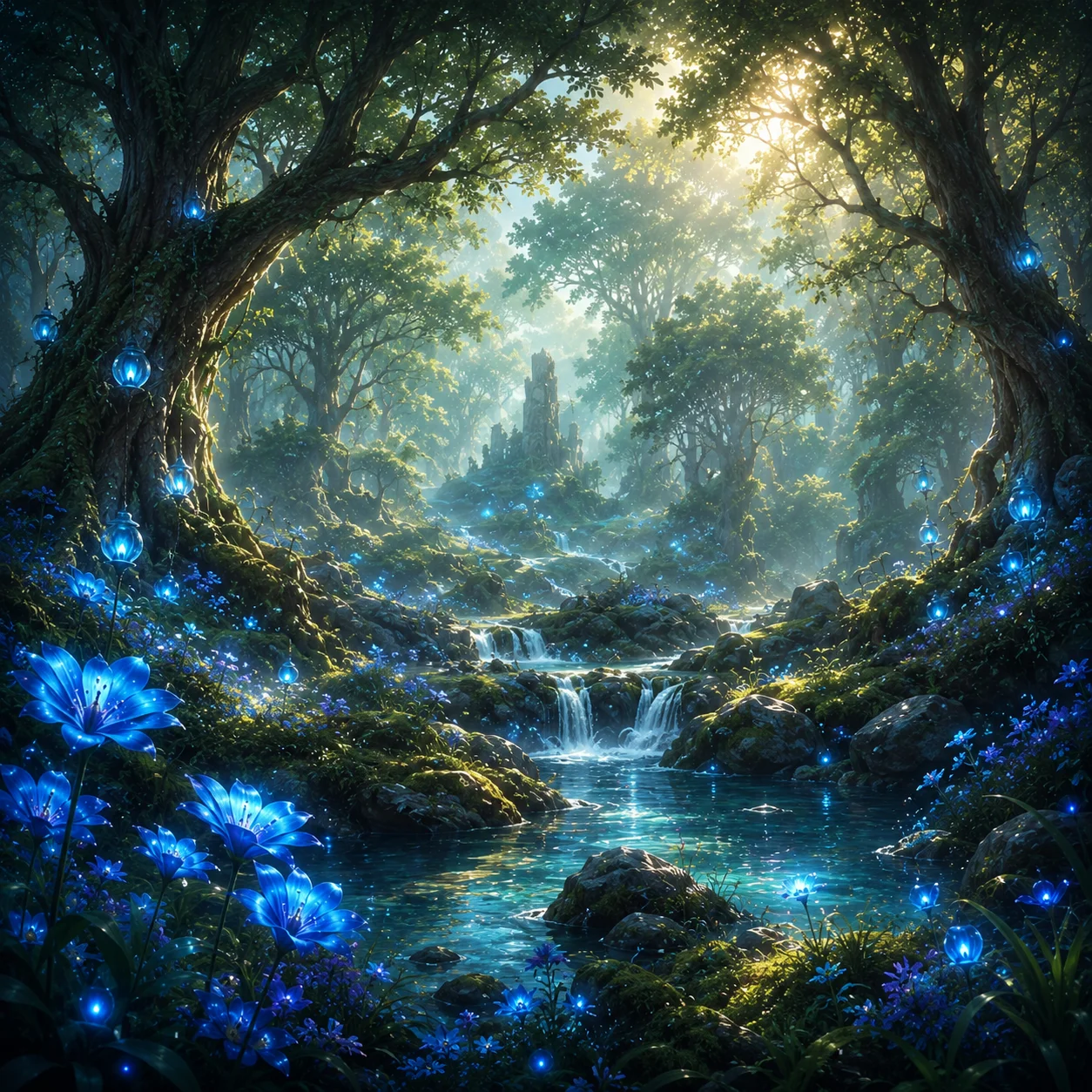
A peaceful fantasy forest wallpaper with glowing blue flowers, soft morning light, gentle mist, wide cinematic composition, detailed digital painting, calm mood, high-resolution wallpaper, no text, no watermark.
The second prompt gives the AI much more direction.
What makes a prompt useful?
A useful prompt usually answers a few important questions:
What should the image show?
What mood should it have?
What style should it use?
How should the scene be composed?
What lighting should it have?
What technical format do you need?
What should be avoided?
You do not need to answer every question every time, but the more clearly you describe your idea, the easier it is for the AI to create something close to your vision.
Start with a simple idea
Every good prompt starts with a simple idea.
For example:
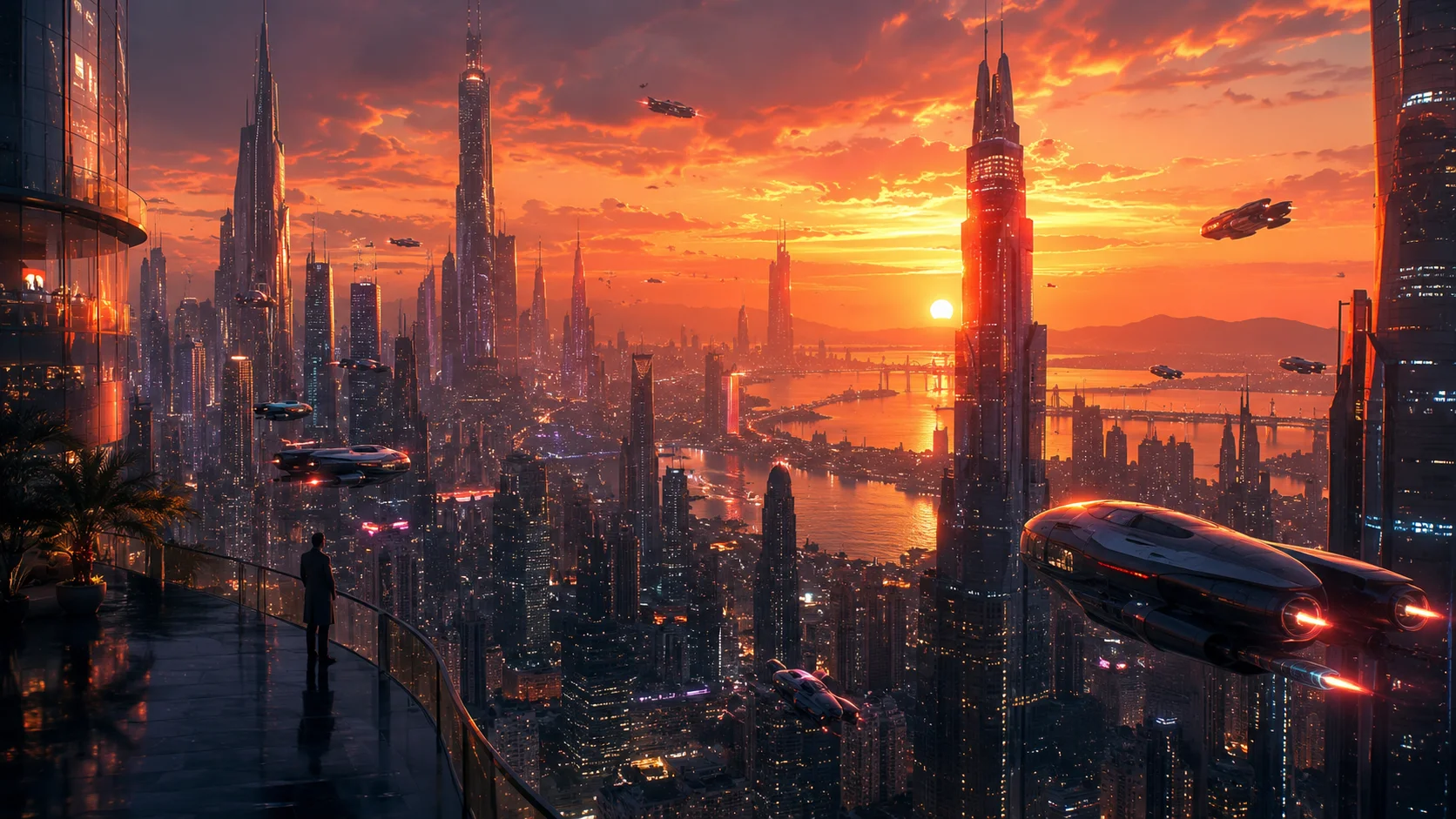
A futuristic city at sunset.
This is a good starting point, but it is still very open. The AI does not know if the image should be realistic, cyberpunk, peaceful, dark, colorful, wide, vertical, minimal, or detailed.
Now we can improve it:
A futuristic city at sunset, glowing neon towers, flying vehicles, reflective glass buildings, warm orange sky, cinematic wide-angle composition, detailed digital painting, atmospheric haze, high-resolution wallpaper, no text, no watermark.
The idea is still the same, but the prompt is now more useful.
The basic prompt structure
A simple Skinbase prompt can follow this structure:
Subject + details + style + mood + composition + lighting + technical notes + negative notes
Example:
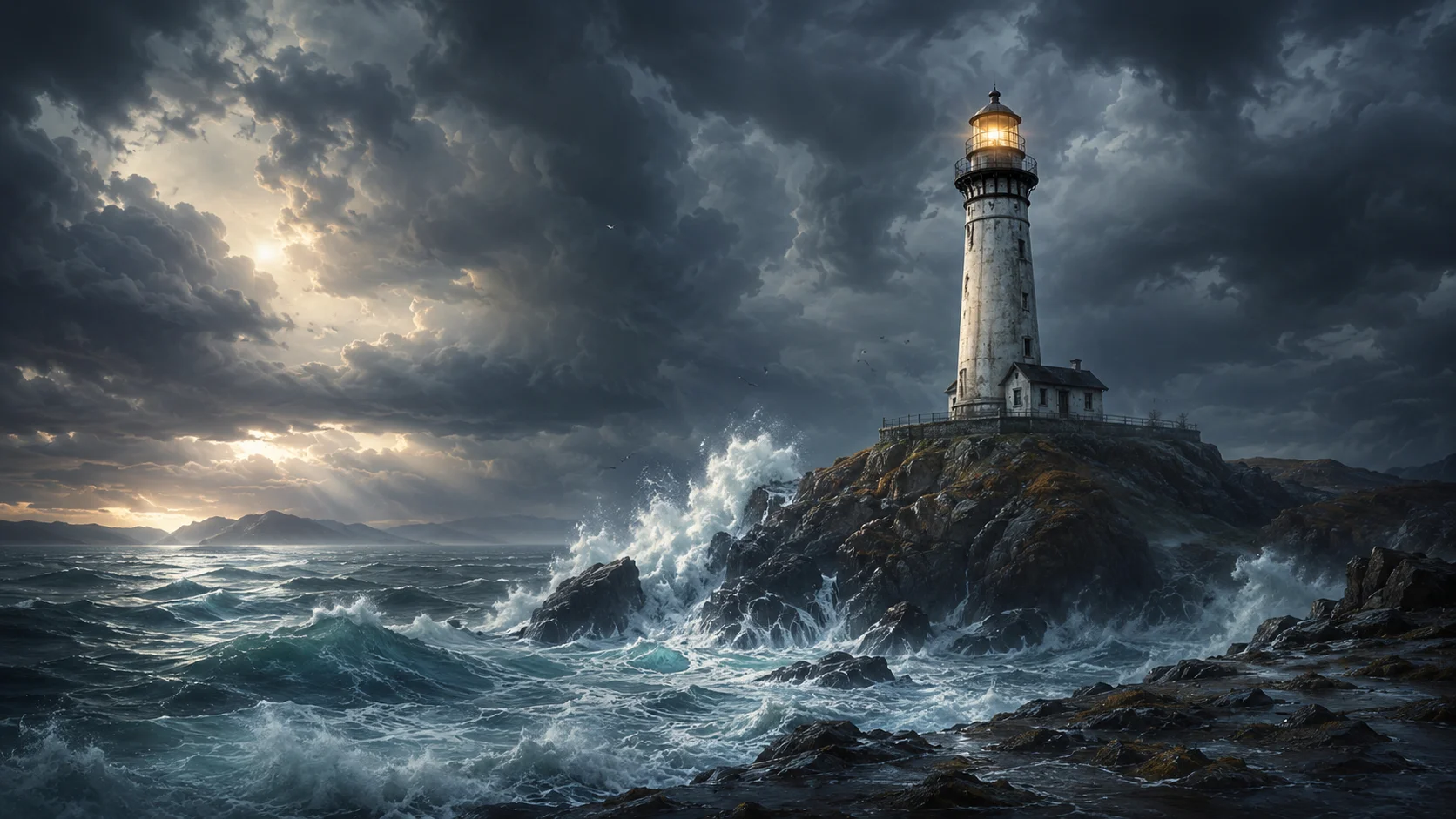
A lonely lighthouse on a rocky coast, stormy ocean waves, dramatic clouds, cinematic digital painting, moody atmosphere, wide wallpaper composition, strong contrast lighting, high detail, no text, no watermark.
Let’s break it down.
Subject:
A lonely lighthouse on a rocky coast
Details:
Stormy ocean waves, dramatic clouds
Style:
Cinematic digital painting
Mood:
Moody atmosphere
Composition:
Wide wallpaper composition
Lighting:
Strong contrast lighting
Technical notes:
High detail
Negative notes:
No text, no watermark
This structure is simple, but it works well for many types of artwork.
Subject: what is the image about?
The subject is the main thing in the image.
It can be:
a landscape;
a character;
a city;
a room;
a spaceship;
a forest;
a robot;
an icon;
an abstract shape;
a user interface;
a fantasy world.
Try to be specific.
Weak subject:
forest
Better subject:
ancient fantasy forest with glowing mushrooms and giant old trees
Weak subject:
robot
Better subject:
friendly retro robot mascot with rounded metal body and glowing blue eyes
Weak subject:
space
Better subject:
small explorer spaceship flying above a blue alien planet
A clear subject gives the AI a strong foundation.
Details: what should appear in the scene?
Details help the image feel richer and more intentional.
For example:
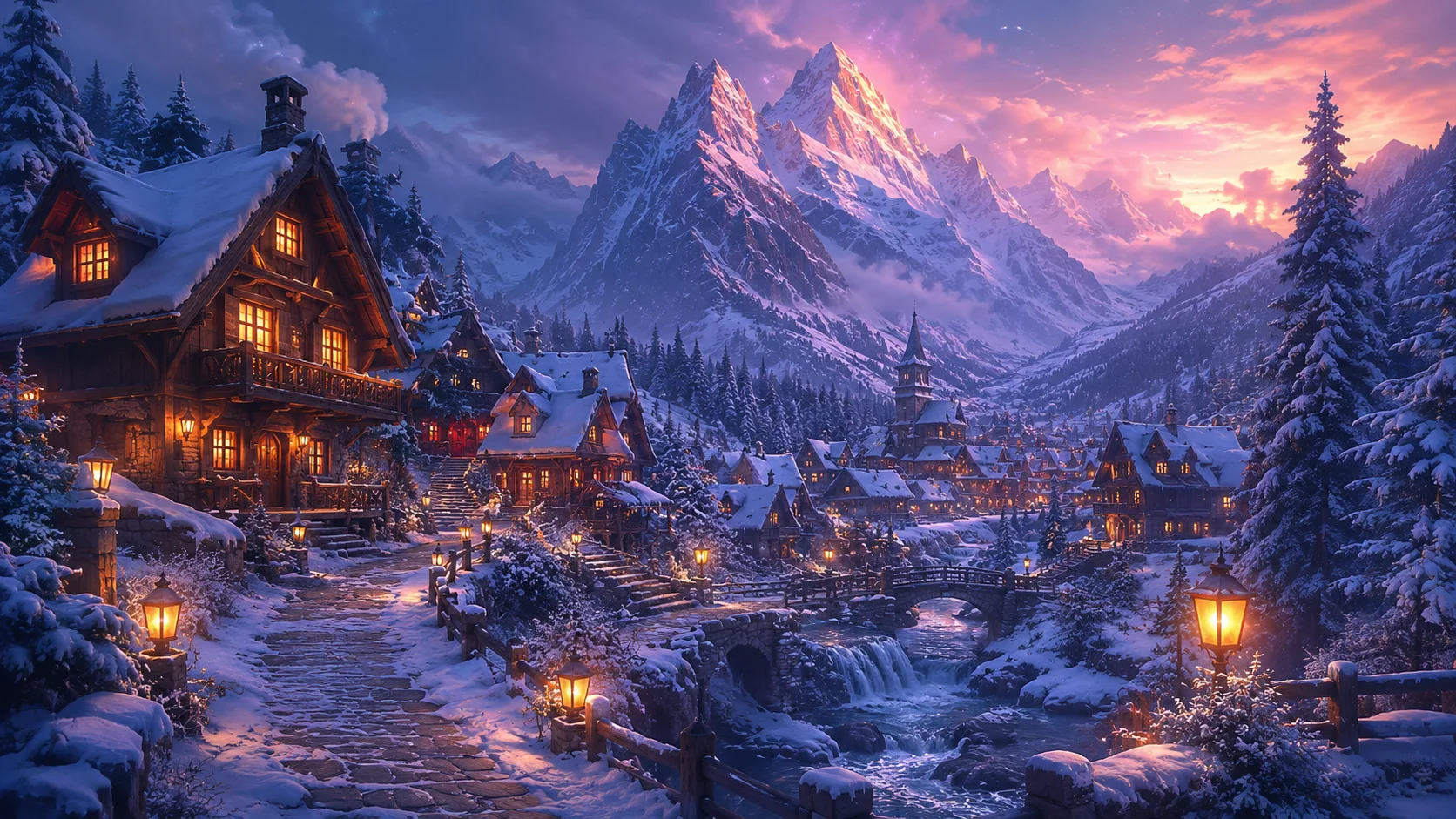
A fantasy mountain village
Can become:
A fantasy mountain village with wooden houses, warm window lights, stone paths, pine trees, snow-covered rooftops, and distant glowing mountains.
Good details make the image more visual.
But be careful. Too many unrelated details can confuse the result.
Bad example:
A fantasy village with dragons, robots, palm trees, snow, cyberpunk cars, medieval knights, underwater fish, neon signs, and a volcano.
This prompt has too many different ideas fighting each other.
Better:
A snowy fantasy mountain village with wooden houses, warm window lights, stone paths, pine trees, and a calm magical winter atmosphere.
The second version is focused.
Style: how should the image look?
Style describes the visual direction.
Examples of style words:
digital painting;
realistic;
cinematic;
pixel art;
retro computer art;
fantasy illustration;
sci-fi concept art;
minimal vector art;
abstract wallpaper;
3D render;
isometric art;
clean UI design;
dark gothic style;
soft watercolor look.
For Skinbase, useful style examples include:
detailed digital painting
retro Amiga-inspired pixel art
cinematic sci-fi concept art
clean minimal vector wallpaper
glossy 3D icon design
abstract colorful desktop background
Try to choose one main style. Mixing too many styles can create messy results.
Mood: how should it feel?
Mood is the emotional direction of the image.
Examples:
peaceful;
mysterious;
dramatic;
futuristic;
nostalgic;
dark;
dreamy;
magical;
cute;
heroic;
calm;
epic;
lonely;
cinematic;
playful.
Mood is very important for wallpapers because people often choose a wallpaper based on how it feels.
Example without mood:
A forest lake wallpaper.
Example with mood:
A peaceful forest lake wallpaper, soft morning fog, calm water reflections, gentle sunlight, quiet natural atmosphere.
The second prompt feels more intentional.
Composition: how should the image be framed?
Composition controls how the image is arranged.
For wallpapers, composition is very important because the image needs to work on a screen.
Useful composition phrases:
wide cinematic composition;
centered subject;
subject on the left side;
open space for desktop icons;
symmetrical composition;
close-up portrait composition;
low-angle view;
aerial view;
isometric view;
panoramic landscape;
clean background;
balanced layout.
For desktop wallpapers, you can ask for space where icons may appear:
wide desktop wallpaper composition, main subject on the right, soft open space on the left for desktop icons
For mobile wallpapers:
vertical mobile wallpaper composition, centered subject, clean background, strong readable silhouette
For hero images:
wide banner composition, strong focal point, clean area for text overlay
This helps generate images that are easier to use in real designs.
Lighting: what kind of light should it have?
Lighting changes the whole feeling of an image.
Examples:
soft morning light;
golden sunset light;
moonlight;
neon lighting;
dramatic side lighting;
glowing magical light;
studio lighting;
cloudy daylight;
cinematic rim light;
warm window light.
Example:
A medieval castle on a hill.
Improved:
A medieval castle on a hill, golden sunset light, long shadows, soft clouds, cinematic fantasy atmosphere.
Lighting can make a simple idea feel much stronger.
Technical notes for Skinbase artwork
Since Skinbase is focused on digital art, wallpapers, skins, customization, and visual presentation, technical notes are useful.
Examples:
high-resolution wallpaper;
detailed image;
clean edges;
sharp focus;
wide 16:9 composition;
vertical mobile wallpaper;
no text;
no watermark;
no logo;
suitable as desktop wallpaper;
clean background;
polished final artwork.
For wallpapers, add:
high-resolution wallpaper, wide 16:9 composition
For mobile:
vertical mobile wallpaper, clean centered composition
For icons:
clean icon design, centered object, simple background, sharp edges
For website covers:
wide banner composition, clean area for text overlay
These details help the AI create something closer to the final use.
Negative prompts: what should be avoided?
A negative prompt tells the AI what you do not want.
Some tools have a separate negative prompt field. Other tools work better when you include negative instructions inside the main prompt.
Common negative notes:
no text;
no watermark;
no logo;
no signature;
no blurry details;
no distorted hands;
no broken anatomy;
no extra fingers;
no messy background;
no low-resolution look;
no random objects;
no duplicated faces;
no fake UI text.
For Skinbase uploads, these are especially useful:
no text, no watermark, no logo, no signature, no blurry details, no distorted objects
For human or character artwork:
no distorted hands, no extra fingers, no broken anatomy, no strange face
For wallpapers:
no text, no watermark, no messy composition, no low-resolution artifacts
Negative prompts do not guarantee perfection, but they help reduce common problems.
Example: improving a weak prompt
Weak prompt:
cool robot wallpaper
Improved prompt:
A friendly retro robot mascot standing on a glowing futuristic platform, rounded metal body, blue light accents, expressive eyes, clean sci-fi background, cinematic lighting, detailed digital painting, wide 16:9 wallpaper composition, high-resolution, no text, no watermark.
Why is this better?
It describes the subject clearly.
It adds visual details.
It defines the style.
It gives the image a mood.
It explains the composition.
It includes technical notes.
It avoids text and watermark problems.

Example: prompt for a Skinbase World
Simple idea:
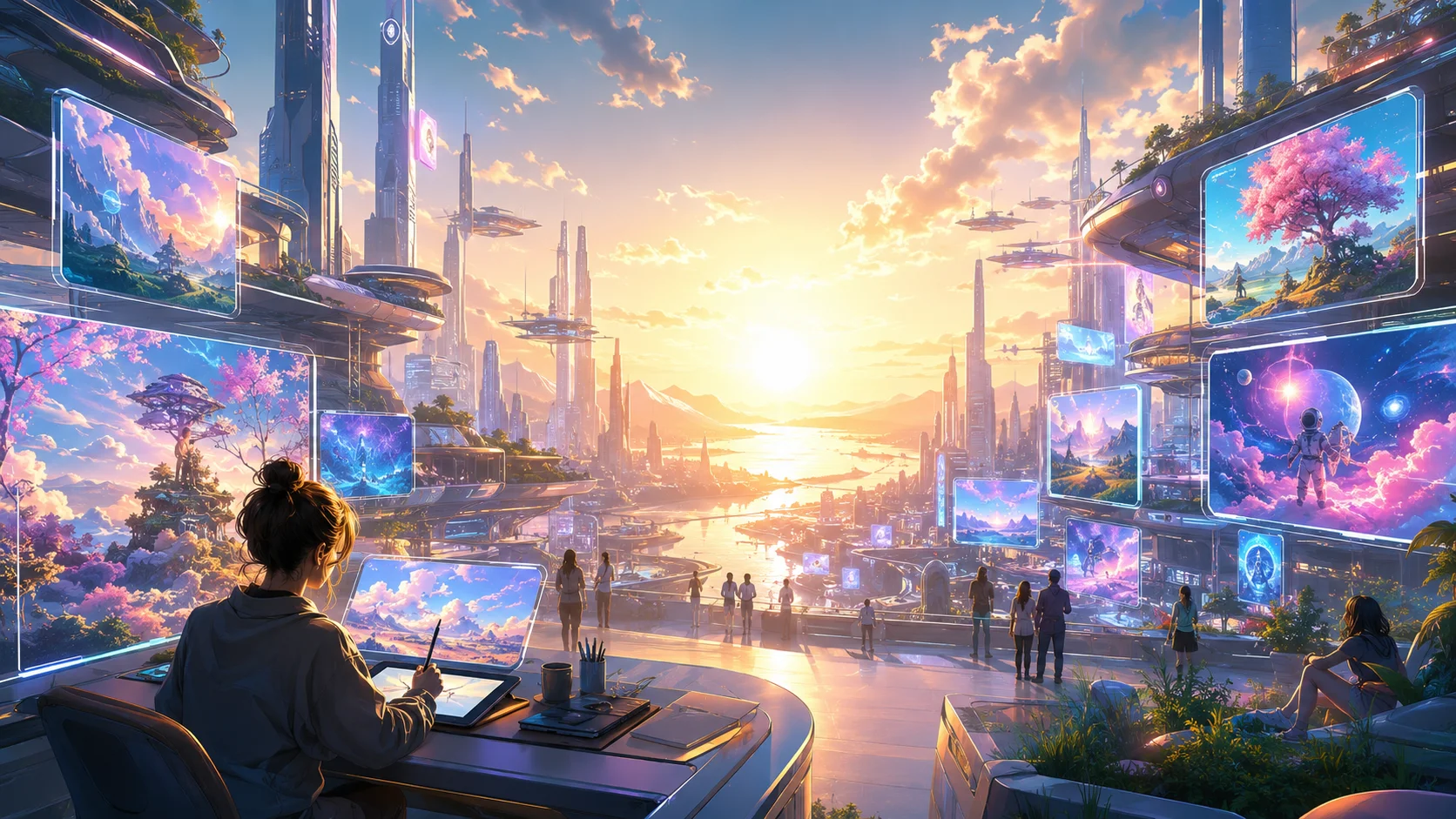
Hello Again world cover image.
Improved prompt:
A hopeful digital art world called Hello Again, glowing sunrise over a futuristic creative city, floating screens showing wallpapers and digital artwork, soft clouds, warm golden light, clean modern composition, cinematic wide banner, optimistic mood, high-resolution cover image, no text, no watermark.
This kind of prompt is useful for creating cover images, teaser images, and visual themes for Skinbase Worlds.
Example: prompt for a desktop wallpaper
Simple idea:
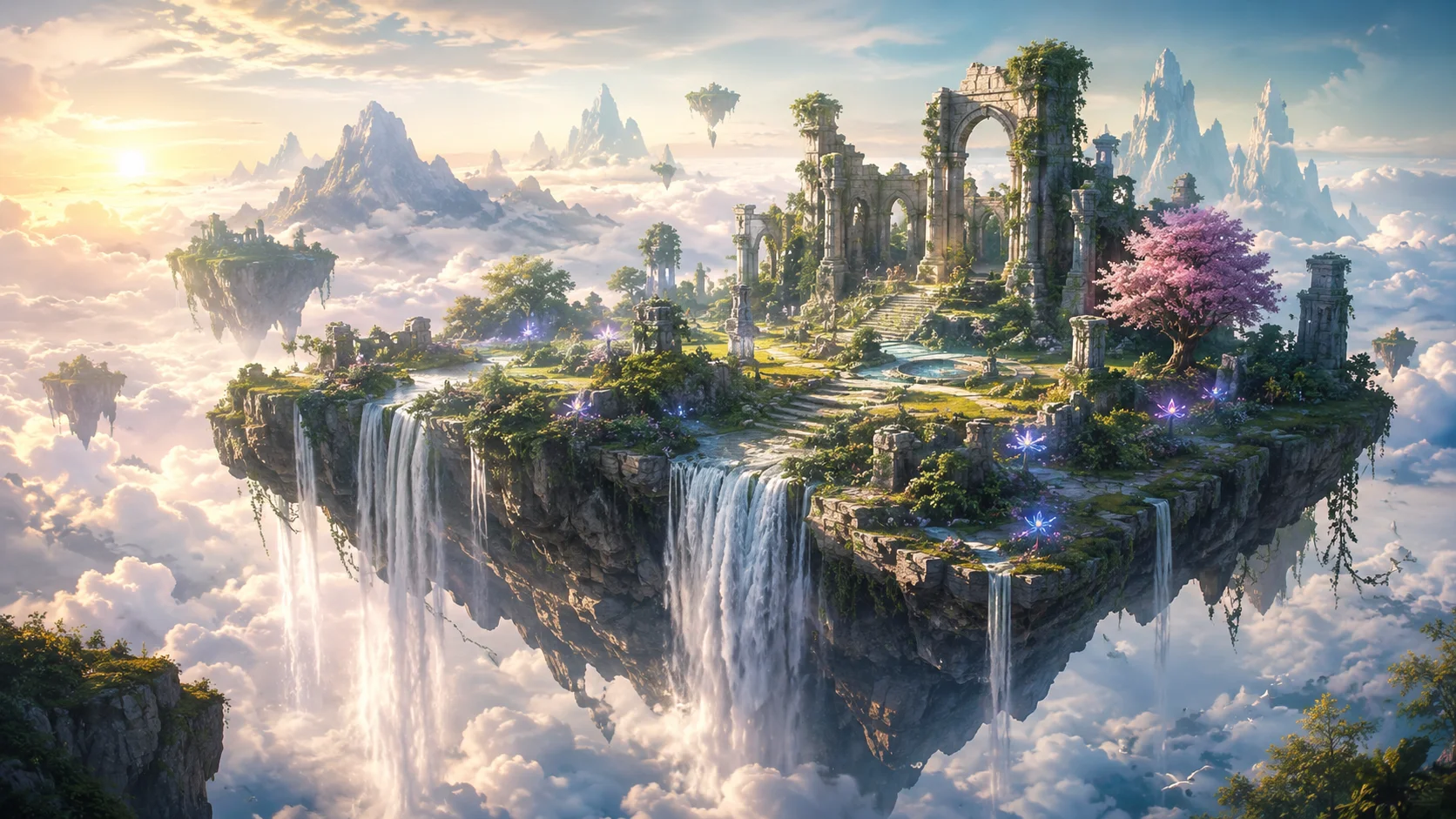
fantasy island wallpaper
Improved prompt:
A peaceful fantasy island floating above soft clouds, waterfalls falling into the sky, ancient stone ruins, glowing flowers, distant mountains, soft morning light, dreamy magical atmosphere, wide 16:9 desktop wallpaper composition, detailed digital painting, high-resolution, no text, no watermark.
Possible title:
Floating Island Morning
Possible tags:
fantasy island, floating island, waterfalls, ruins, glowing flowers, morning light, wallpaper, digital art, AI-assisted, magical
Example: prompt for retro pixel art
Simple idea:
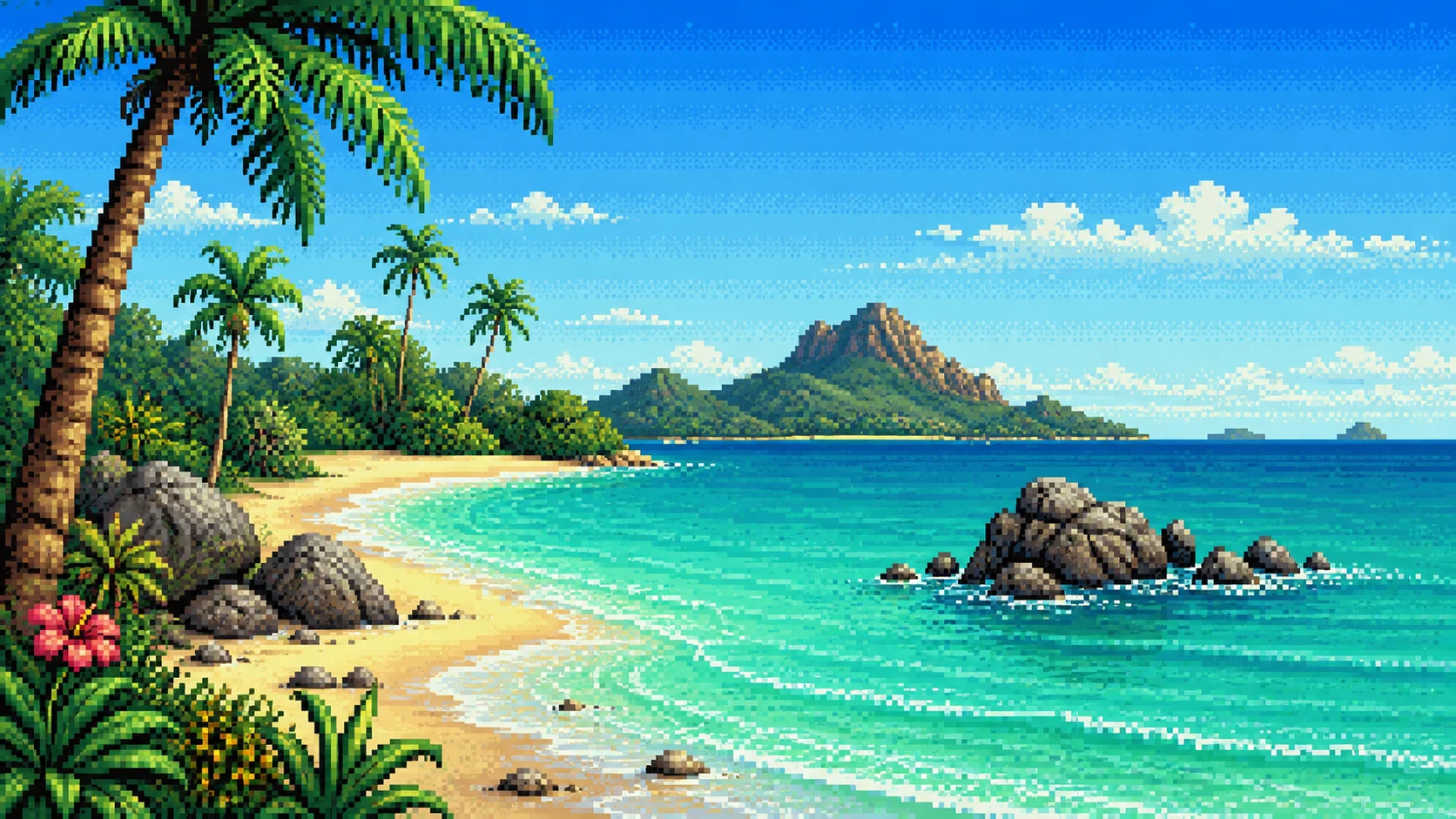
Amiga island pixel art
Improved prompt:
Retro Amiga-inspired tropical island pixel art, chunky color palette, bright shoreline, palm trees, turquoise water, crisp dithering, nostalgic 1990s computer art mood, clean pixel details, wide wallpaper composition, no text, no watermark.
Possible title:
Pixel Island Memory
Possible tags:
pixel art, Amiga, retro, island, tropical, dithering, wallpaper, nostalgia, digital art, AI-assisted
Common prompting mistakes
Many beginners make the same mistakes when writing prompts.
One common mistake is being too vague.
beautiful art
This does not give enough direction.
Another mistake is adding too many styles at once.
realistic anime cartoon pixel art watercolor 3D oil painting cyberpunk fantasy
This can confuse the result.
Another mistake is forgetting the final use.
A wallpaper prompt should include wallpaper composition. A cover image should include banner composition. A mobile wallpaper should include vertical composition.
Another mistake is not checking the result.
Even a good prompt can produce strange details. The creator still needs to review the image before uploading it.
A simple prompt formula
When you are not sure how to start, use this formula:
Create a [subject] with [important details], in a [style], with a [mood], using [lighting], composed as a [format], high quality, no text, no watermark.
Example:
Create a peaceful fantasy forest with glowing blue flowers and gentle mist, in a detailed digital painting style, with a calm magical mood, using soft morning light, composed as a wide 16:9 wallpaper, high quality, no text, no watermark.
This formula is easy to reuse.
Key takeaways
A prompt is an instruction that guides the AI.
A good prompt describes the subject, details, style, mood, composition, lighting, and technical goal.
Skinbase creators should think about the final use of the image before writing the prompt.
Wallpapers, mobile images, icons, covers, and skins may need different prompt structures.
Negative notes like no text, no watermark, and no logo are useful.
A strong prompt helps, but the creator still needs to review, edit, select, and prepare the final artwork.
Practical exercise
Start with this simple idea:
A sci-fi city wallpaper.
Now improve it using the prompt structure.
Add:
subject;
details;
style;
mood;
composition;
lighting;
technical notes;
negative notes.
Example improved prompt:
A futuristic sci-fi city at night, glowing neon towers, flying vehicles, rainy streets, reflections on glass buildings, cinematic cyberpunk atmosphere, dramatic blue and purple lighting, wide 16:9 desktop wallpaper composition, high-resolution digital painting, no text, no watermark, no logo.
Now ask yourself:
Is the subject clear?
Is the style clear?
Is the mood strong?
Is the image suitable as a wallpaper?
Did I include no text and no watermark?
What title would fit the final artwork?
What tags would help people discover it?
Possible title:
Neon Rain City
Possible tags:
sci-fi city, cyberpunk, neon, rain, futuristic, wallpaper, night city, digital art, AI-assisted, cinematic
Final note
Prompting is a creative skill.
The better you describe your idea, the easier it is to guide the AI toward something useful. But the prompt is only the beginning. A Skinbase creator still needs to choose the best result, improve it, prepare it, and present it with care.
A good prompt helps create an image.
A good creator turns that image into finished artwork.
Course navigation
Continue this course
Previous lesson
Lesson 02
From Prompt to Finished Artwork
Generating an image is only the beginning. In this lesson, Skinbase creators learn how to review, improve, prepare, and present AI-assisted artwork before publishing it.
Next lesson
Lesson 04
How to Write Better Wallpaper Prompts
A wallpaper prompt needs more than a beautiful idea. In this lesson, Skinbase creators learn how to write prompts that create cleaner, stronger, and more usable wallpapers for desktop, mobile, and wide-screen formats.