

A beginner path for Skinbase creators
AI Art Basics
Learn the basics of AI-assisted art for Skinbase: prompts, styles, image quality, wallpaper preparation, tagging, categories, and responsible uploading.
Library
10 lessons
Structure
1 sections
Pace
Flexible pace
Status
Ready to start
Course section
010 requiredCore lessons
Lessons shown before the course branches into sections.
10 lessons mapped in this section
Step 01
01
Step 01
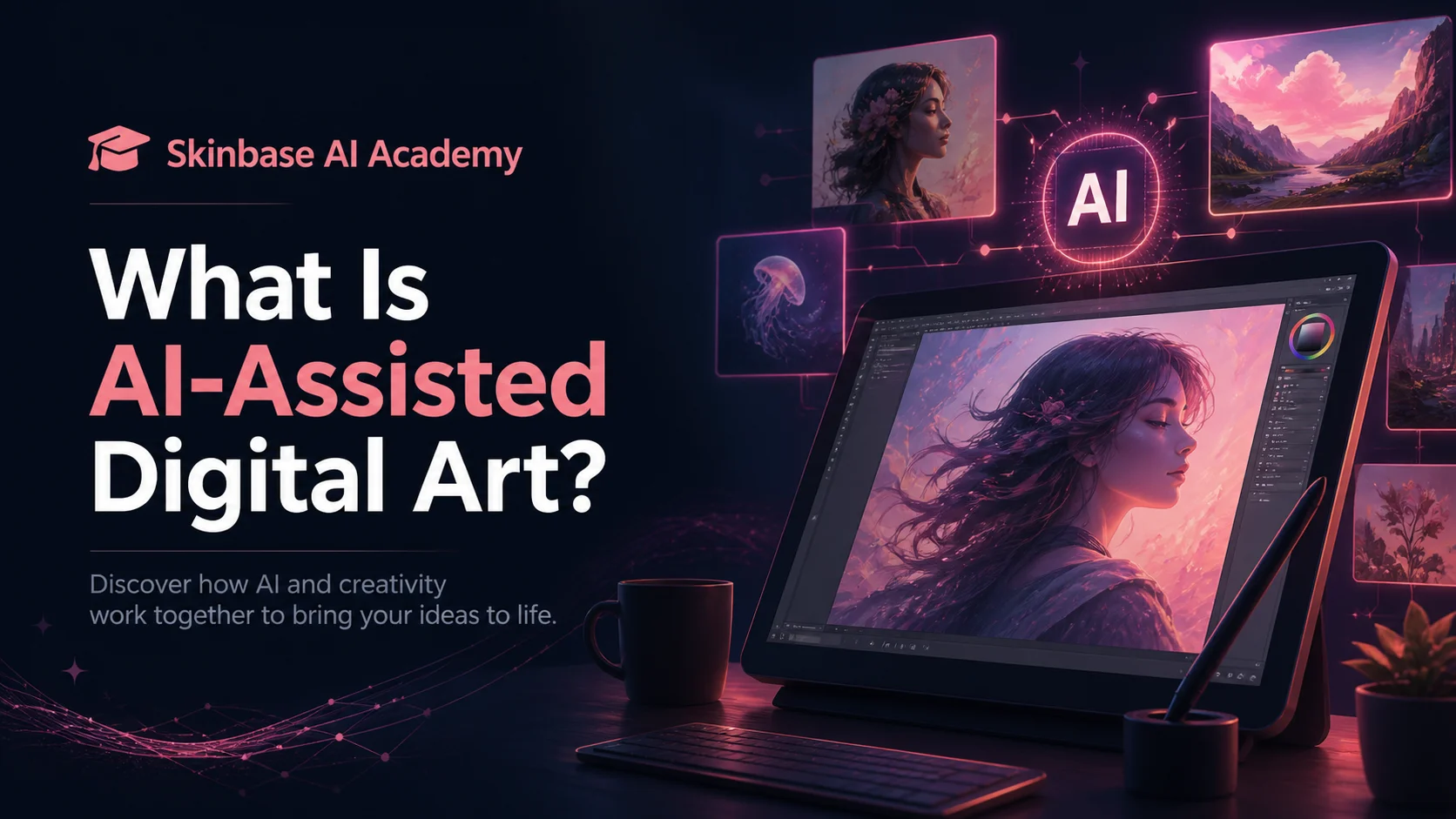
Lesson 01beginnerfree19 minWhat Is AI-Assisted Digital Art?
Recommended as the next required step in this course.
AI-assisted digital art uses artificial intelligence as part of the creative process. In this beginner lesson, you will learn how AI can help artists explore ideas, create wallpapers, improve concepts, and prepare better artwork for Skinbase.
Lesson path

Step 02
02
Step 02
Lesson 02beginnerfree33 minFrom Prompt to Finished Artwork
Recommended as the next required step in this course.
Generating an image is only the beginning. In this lesson, Skinbase creators learn how to review, improve, prepare, and present AI-assisted artwork before publishing it.
Lesson path
Step 03
03
Step 03
Lesson 03beginnerfree5 minPrompting Basics for Skinbase Creators
Recommended as the next required step in this course.
A good prompt helps AI understand your idea, mood, style, composition, and technical goal. In this beginner lesson, you will learn how to turn a simple idea into a stronger prompt for Skinbase artwork.
Lesson path
Step 04
04
Step 04
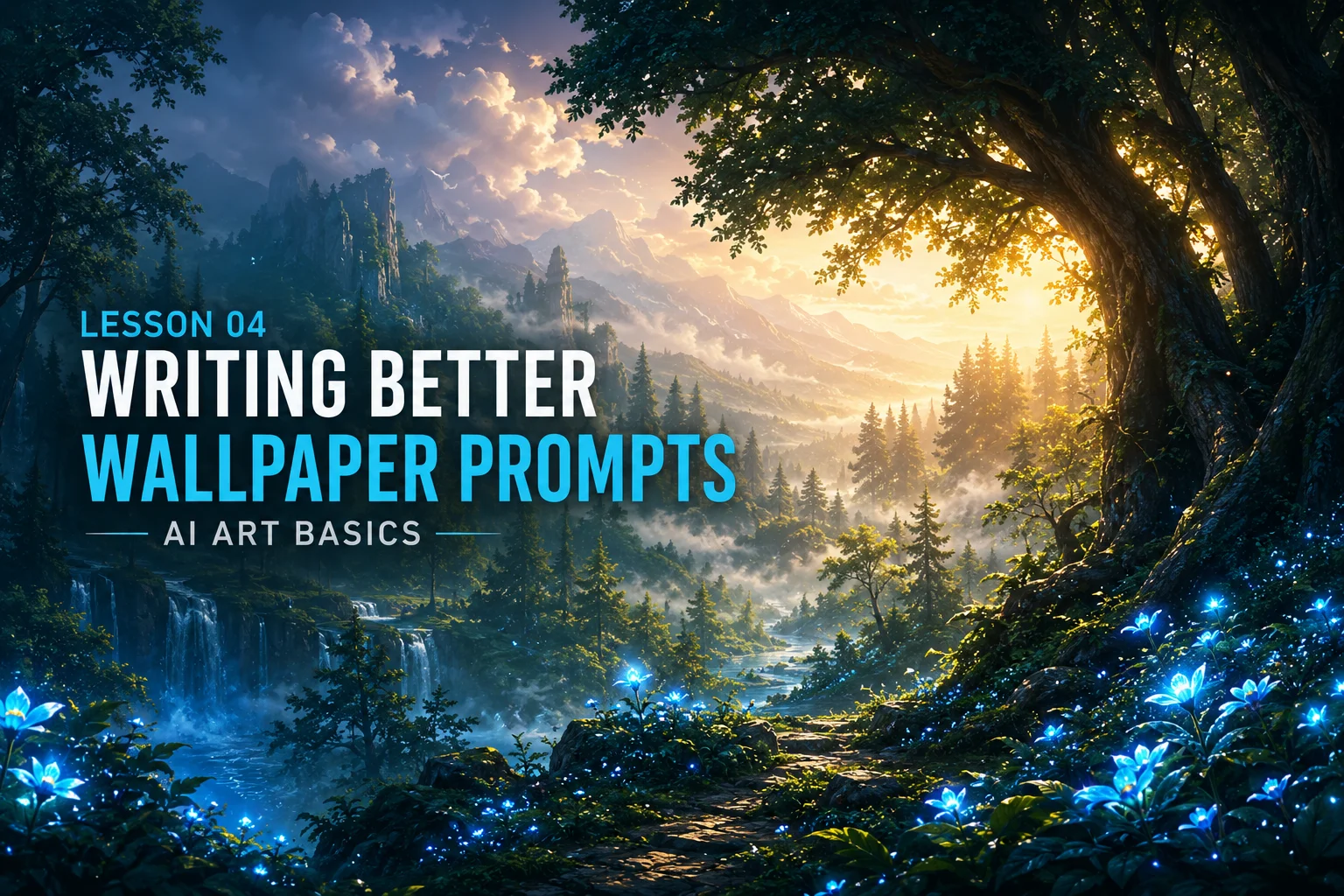
Lesson 04beginnerfree21 minHow to Write Better Wallpaper Prompts
Recommended as the next required step in this course.
A wallpaper prompt needs more than a beautiful idea. In this lesson, Skinbase creators learn how to write prompts that create cleaner, stronger, and more usable wallpapers for desktop, mobile, and wide-screen formats.
Lesson path

Step 05
05
Step 05
Lesson 05beginnerfree28 minStyle, Mood, Lighting, and Composition
Recommended as the next required step in this course.
Style, mood, lighting, and composition are four of the most important parts of a strong AI image prompt. In this lesson, Skinbase creators learn how to guide the look, feeling, atmosphere, and layout of AI-assisted artwork.
Lesson path
Step 06
06
Step 06
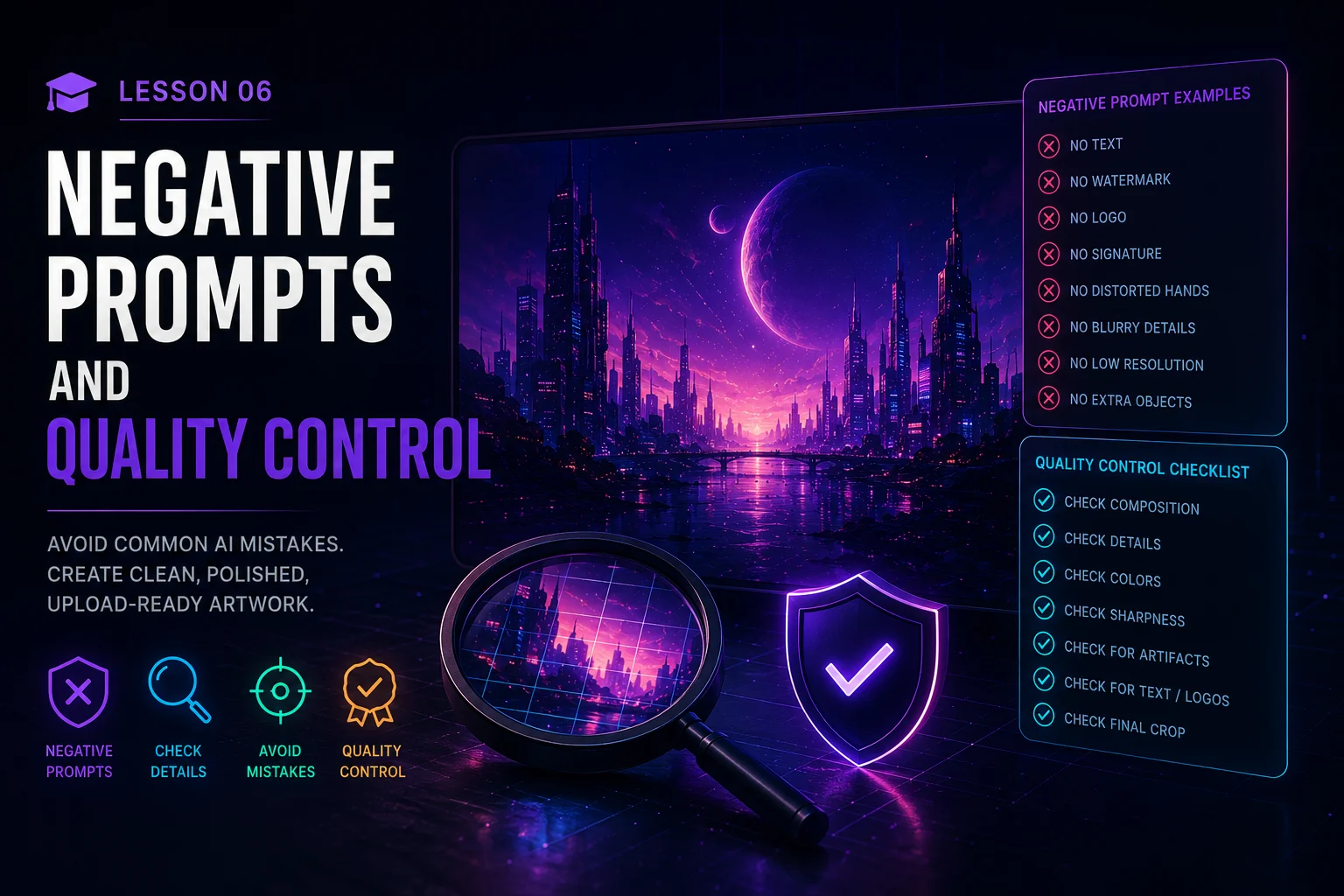
Lesson 06beginnerfree25 minNegative Prompts and Quality Control
Recommended as the next required step in this course.
Negative prompts help tell AI tools what to avoid. In this lesson, Skinbase creators learn how to reduce common AI image mistakes and check artwork carefully before uploading.
Lesson path
Step 07
07
Step 07
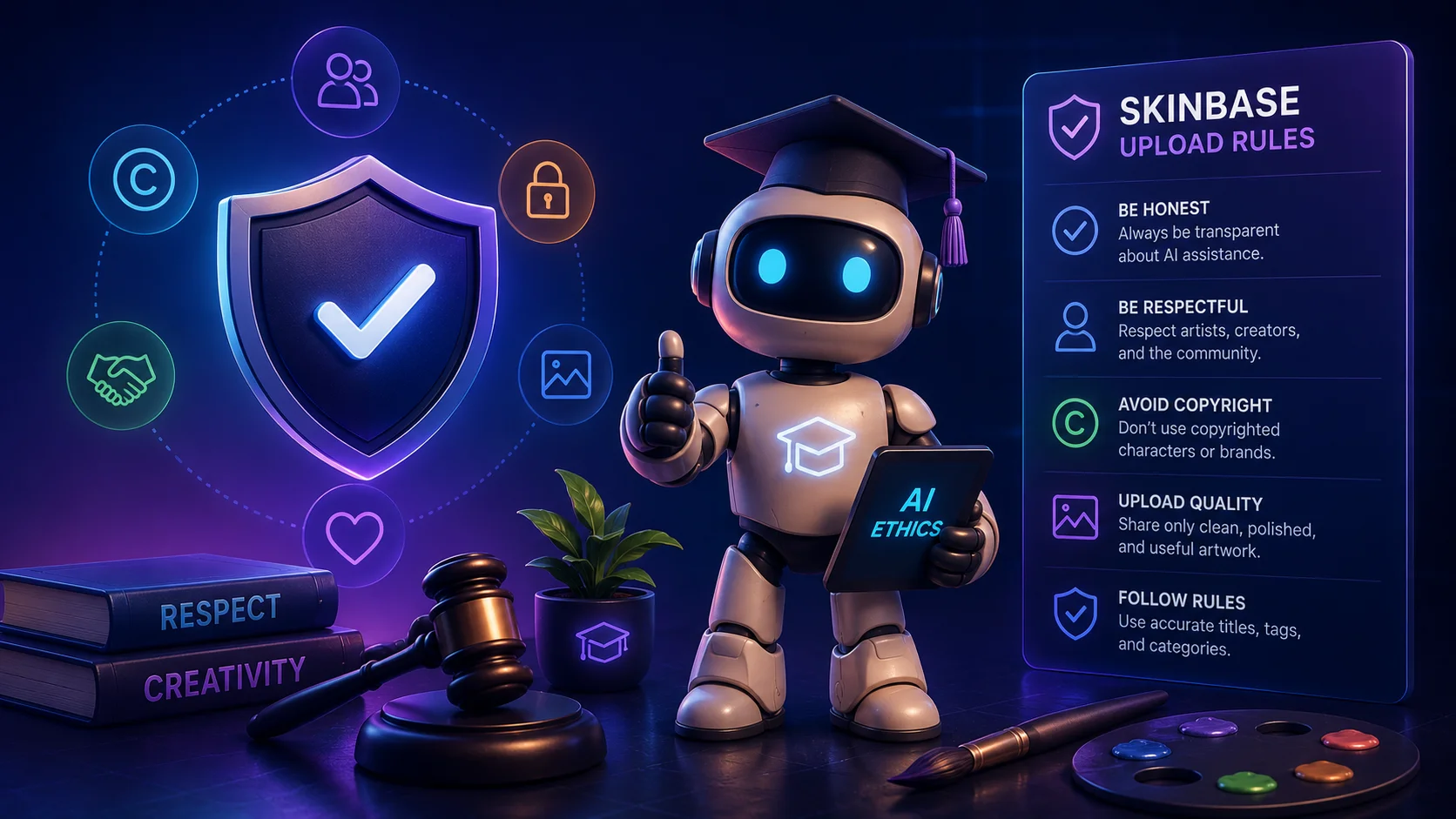
Lesson 07beginnerfree19 minAI Ethics and Skinbase Upload Rules
Recommended as the next required step in this course.
AI-assisted artwork can be powerful, but creators should use it responsibly. In this lesson, Skinbase creators learn basic AI ethics, upload quality rules, and how to share AI-assisted artwork honestly.
Lesson path
Step 08
08
Step 08
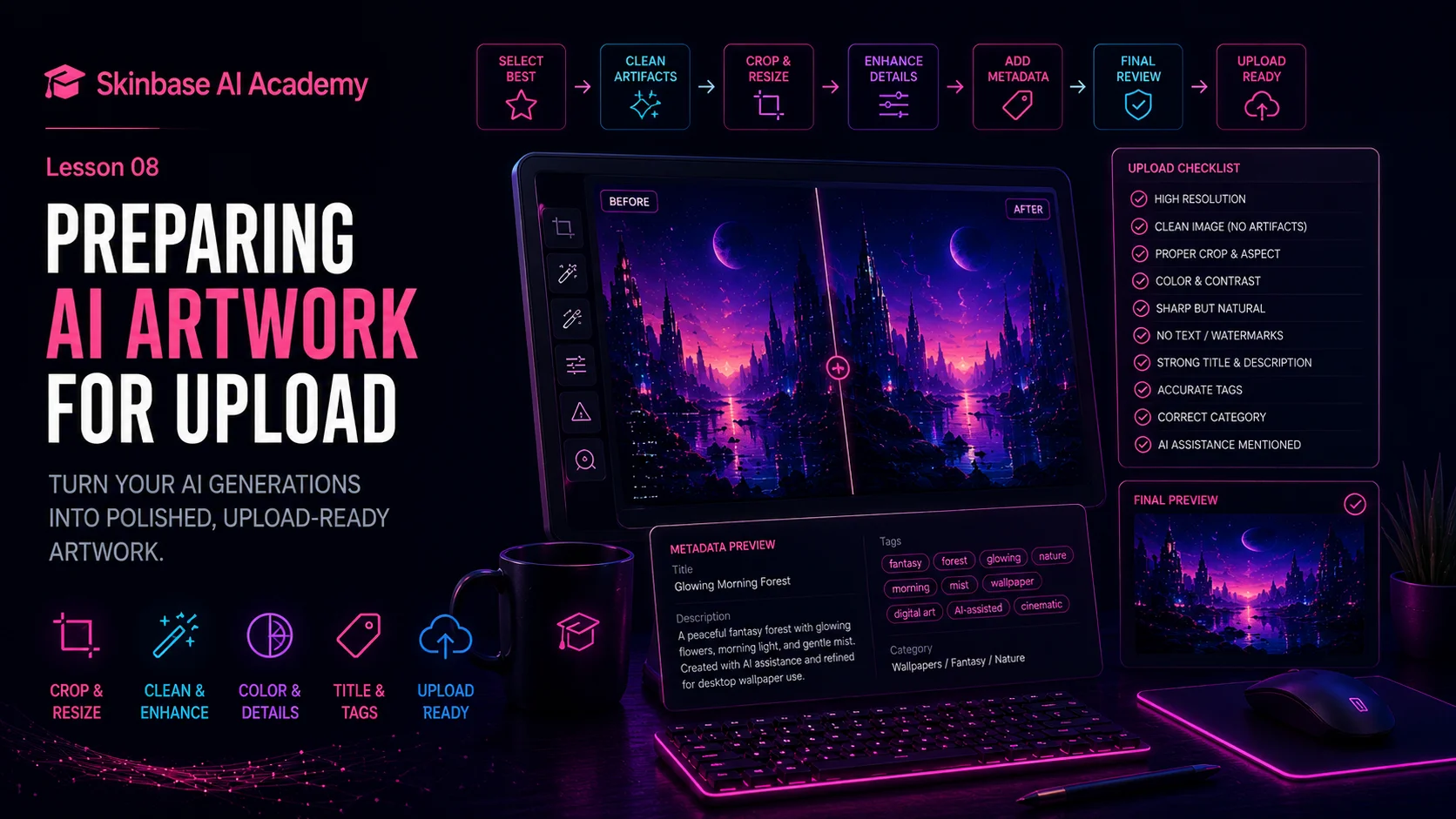
Lesson 08beginnerfree18 minPreparing AI Artwork for Upload
Recommended as the next required step in this course.
Before AI-assisted artwork is uploaded, it should be checked, cleaned, resized, titled, tagged, and prepared properly. In this lesson, Skinbase creators learn how to turn a generated image into a polished upload-ready artwork.
Lesson path
Step 09
09
Step 09
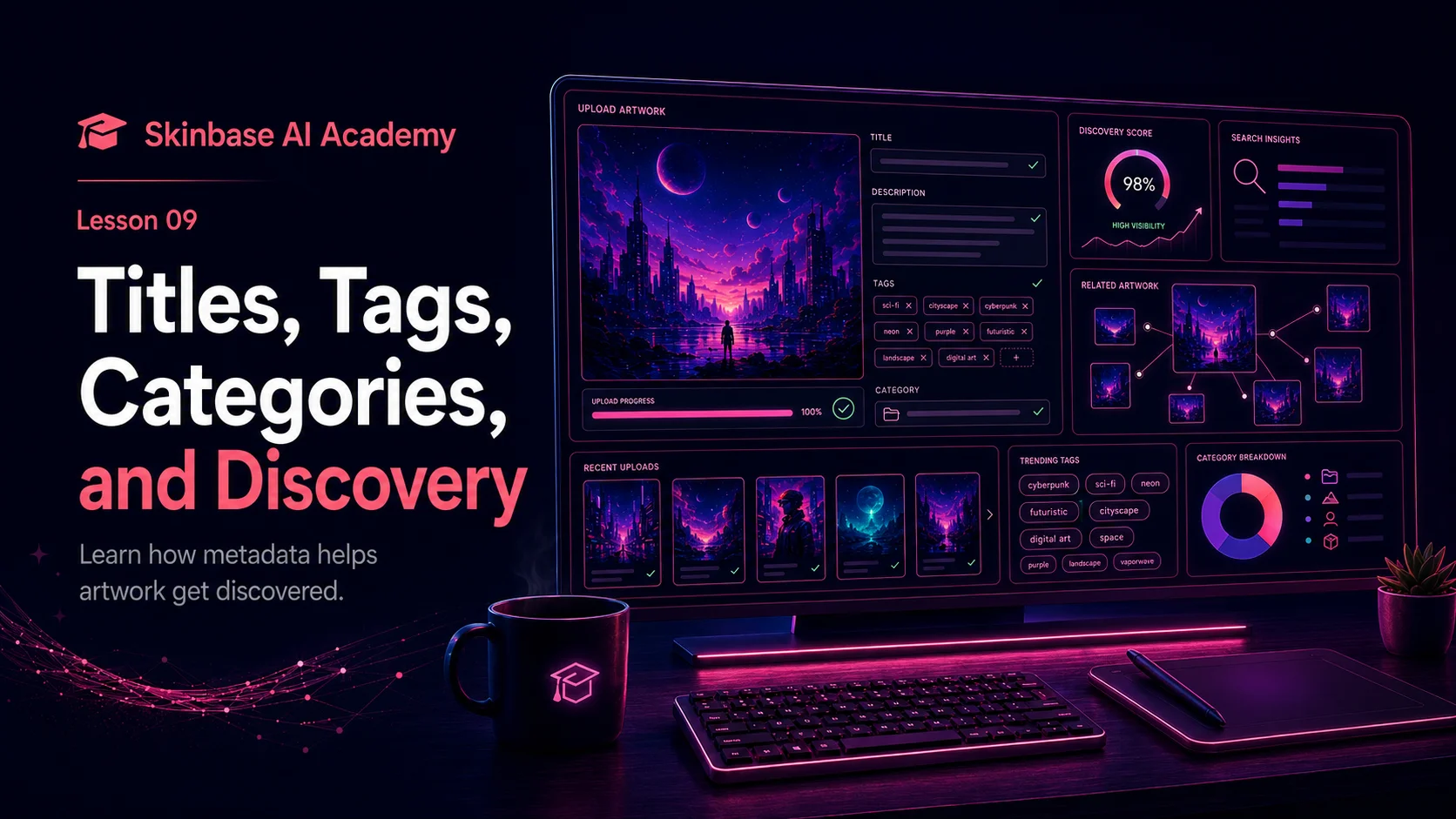
Lesson 09beginnerfree23 minTitles, Tags, Categories, and Discovery
Recommended as the next required step in this course.
Creating the artwork is only one part of the process. In this lesson, Skinbase creators learn how titles, descriptions, tags, and categories help people discover, understand, and enjoy AI-assisted artwork.
Lesson path
Step 10
10
Step 10
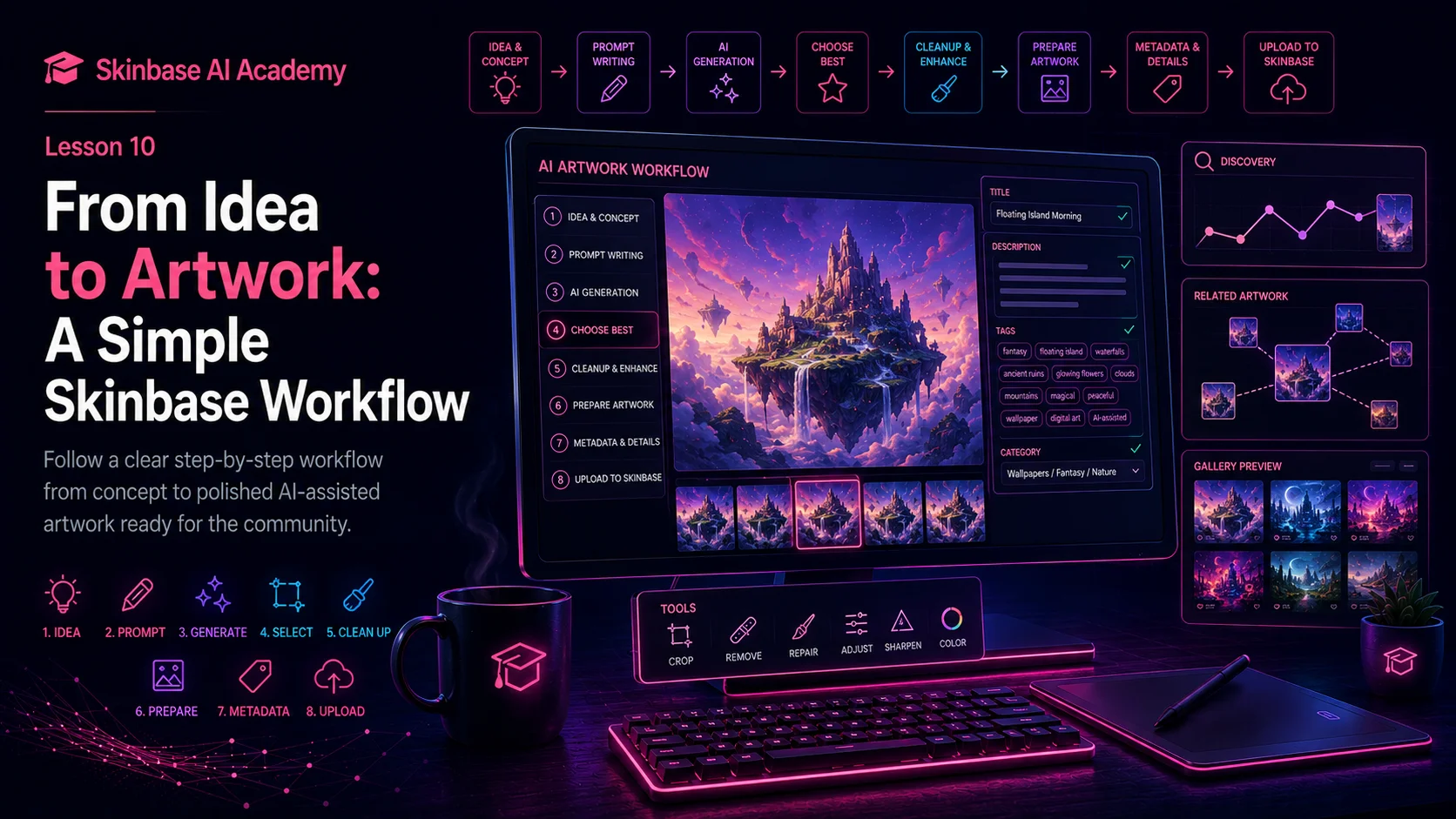
Lesson 10beginnerfree20 minFrom Idea to Artwork: A Simple Skinbase Workflow
Recommended as the next required step in this course.
Every strong AI-assisted artwork starts with an idea and ends with a polished upload. In this lesson, Skinbase creators learn a simple workflow for turning creative ideas into finished artwork ready for the community.
Lesson path