
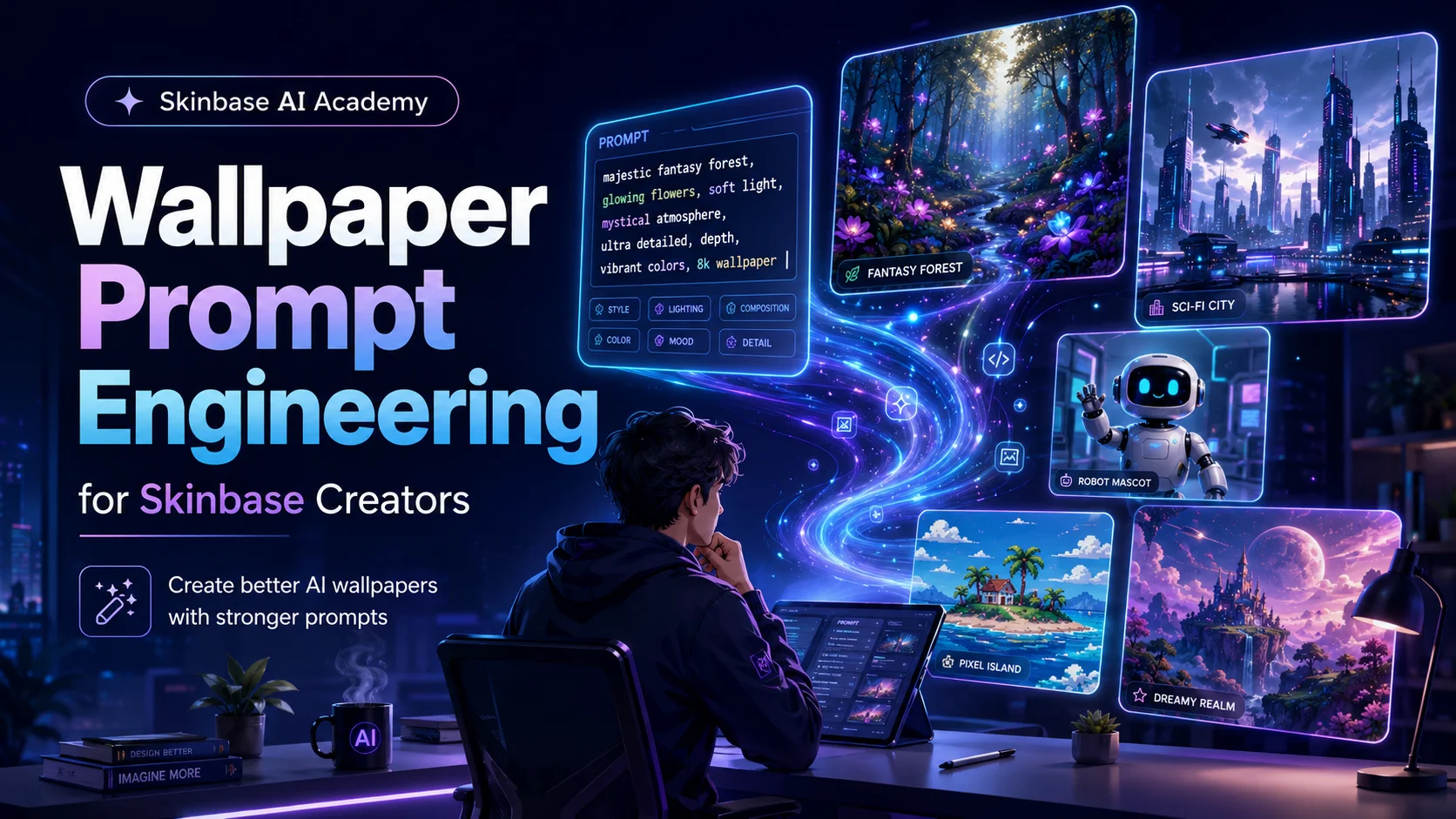
Learn how to write better AI prompts for wallpapers, digital art, fantasy scenes, sci-fi worlds, pixel art, and Skinbase-ready uploads.
Wallpaper Prompt Engineering for Skinbase Creators
Improve your AI artwork results by learning how to build clear, creative, and wallpaper-friendly prompts. This course teaches the structure of strong prompts, how to control mood, style, lighting, composition, and how to avoid common AI image problems.
Library
17 lessons
Structure
4 sections
Pace
Flexible pace
Status
Ready to start
Course section
14 requiredPrompt Foundation
4 lessons mapped in this section

Step 01
01
Step 01
Lesson 01beginnerfree8 minWhat Makes a Great Wallpaper Prompt?
Recommended as the next required step in this course.
Learn what separates random AI images from clean, usable, Skinbase-ready wallpapers.
Lesson path
Step 02
02
Step 02
Lesson 02beginnerfree11 minThe Anatomy of a Strong AI Art Prompt
Recommended as the next required step in this course.
Learn the main building blocks of a strong AI art prompt and how each part helps control the final wallpaper result.
Lesson path
Step 03
03
Step 03
Lesson 03beginnerfree9 minThinking Like a Wallpaper Creator
Recommended as the next required step in this course.
Learn how to design AI prompts for clean, readable, screen-friendly wallpapers.
Lesson path
Step 04
04
Step 04
Lesson 04beginnerfree10 minControlling Subject and Scene
Recommended as the next required step in this course.
Learn how to describe the main subject and environment clearly without overloading your AI wallpaper prompt.
Lesson path
Course section
24 requiredVisual Control
4 lessons mapped in this section
Step 05
05
Step 05
Lesson 05beginnerfree9 minMood, Atmosphere, and Emotion
Recommended as the next required step in this course.
Learn how to use mood, atmosphere, and emotion words to make AI wallpapers feel more intentional and memorable.
Lesson path
Step 06
06
Step 06
Lesson 06beginnerfree12 minStyle Direction: Digital Art, Fantasy, Sci-Fi, Pixel Art, and More
Recommended as the next required step in this course.
Learn how to guide AI image style clearly for digital art, fantasy, sci-fi, pixel art, retro scenes, and other wallpaper genres.
Lesson path
Step 07
07
Step 07
Lesson 07beginnerfree17 minComposition for Wallpapers
Recommended as the next required step in this course.
Learn how to arrange subjects, space, and detail so AI-generated images work better as wallpapers.
Lesson path
Step 08
08
Step 08
Lesson 08beginnerfree13 minLighting and Color Palettes
Recommended as the next required step in this course.
Learn how to use lighting and color palettes to improve the mood, readability, and visual impact of AI wallpapers.
Lesson path
Course section
36 requiredGenre Recipes
6 lessons mapped in this section
Step 09
09
Step 09
Lesson 09beginnerfree13 minWriting Better Fantasy Wallpaper Prompts
Recommended as the next required step in this course.
Learn how to create stronger fantasy wallpaper prompts with clearer worlds, magical atmosphere, composition, lighting, and style direction.
Lesson path
Step 10
10
Step 10
Lesson 10beginnerfree14 minWriting Better Sci-Fi Wallpaper Prompts
Recommended as the next required step in this course.
Learn how to create stronger sci-fi wallpaper prompts with clearer technology, worlds, lighting, composition, and futuristic style direction.
Lesson path
Step 11
11
Step 11
Lesson 11beginnerfree14 minWriting Better Nature and Landscape Prompts
Recommended as the next required step in this course.
Learn how to create peaceful, atmospheric, and screen-friendly AI nature wallpapers with stronger landscape prompts.
Lesson path
Step 12
12
Step 12
Lesson 12beginnerfree16 minWriting Better Character Wallpapers
Recommended as the next required step in this course.
Learn how to create better AI character wallpapers with stronger poses, cleaner anatomy, safer cropping, and more readable composition.
Lesson path
Step 13
13
Step 13
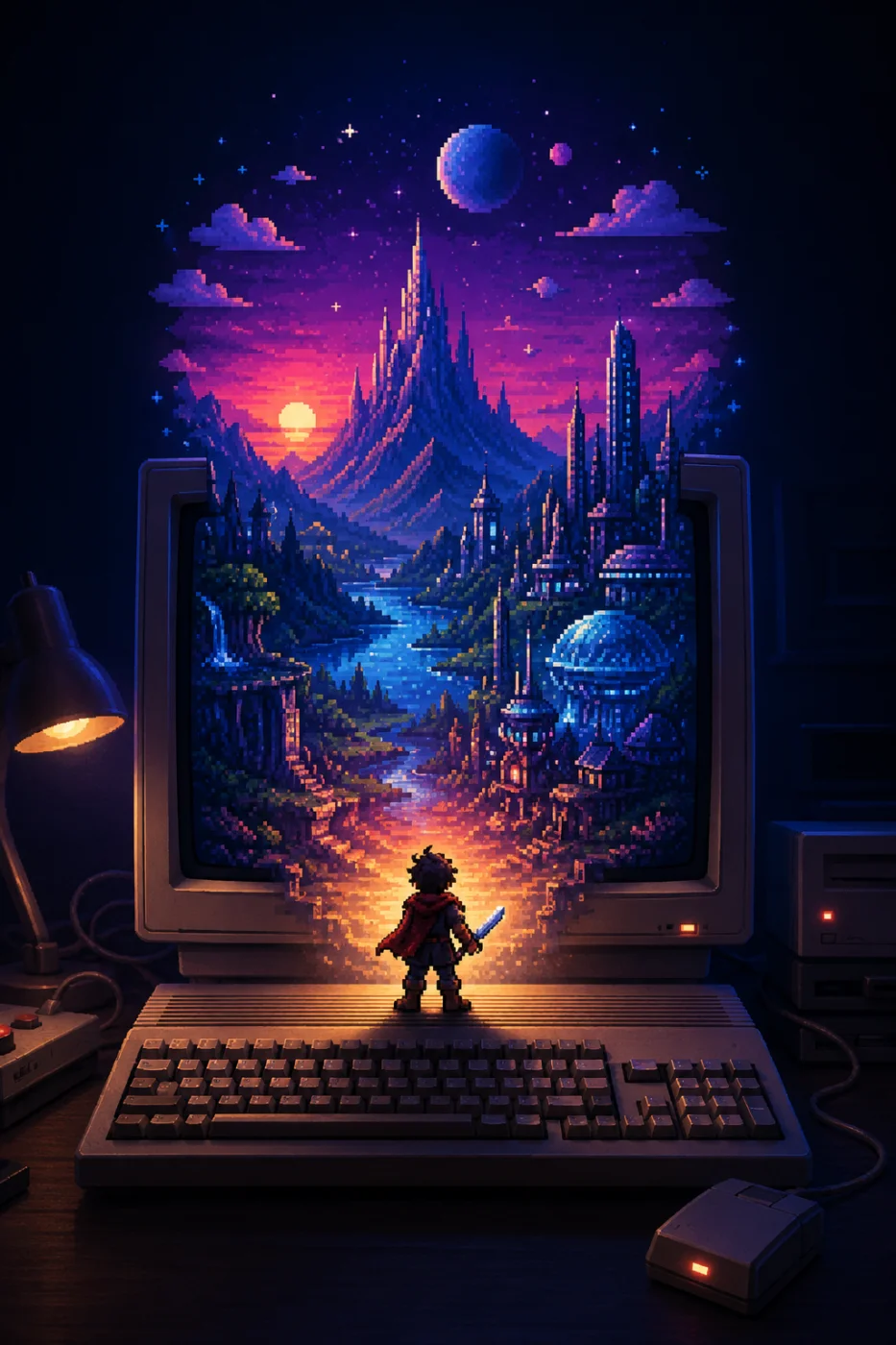
Lesson 13beginnerfree14 minRetro, Pixel Art, and Amiga-Inspired Wallpaper Prompts
Recommended as the next required step in this course.
Learn how to write clearer retro, pixel art, and Amiga-inspired wallpaper prompts with stronger constraints, palettes, and readable composition.
Lesson path
Step 14
14
Step 14
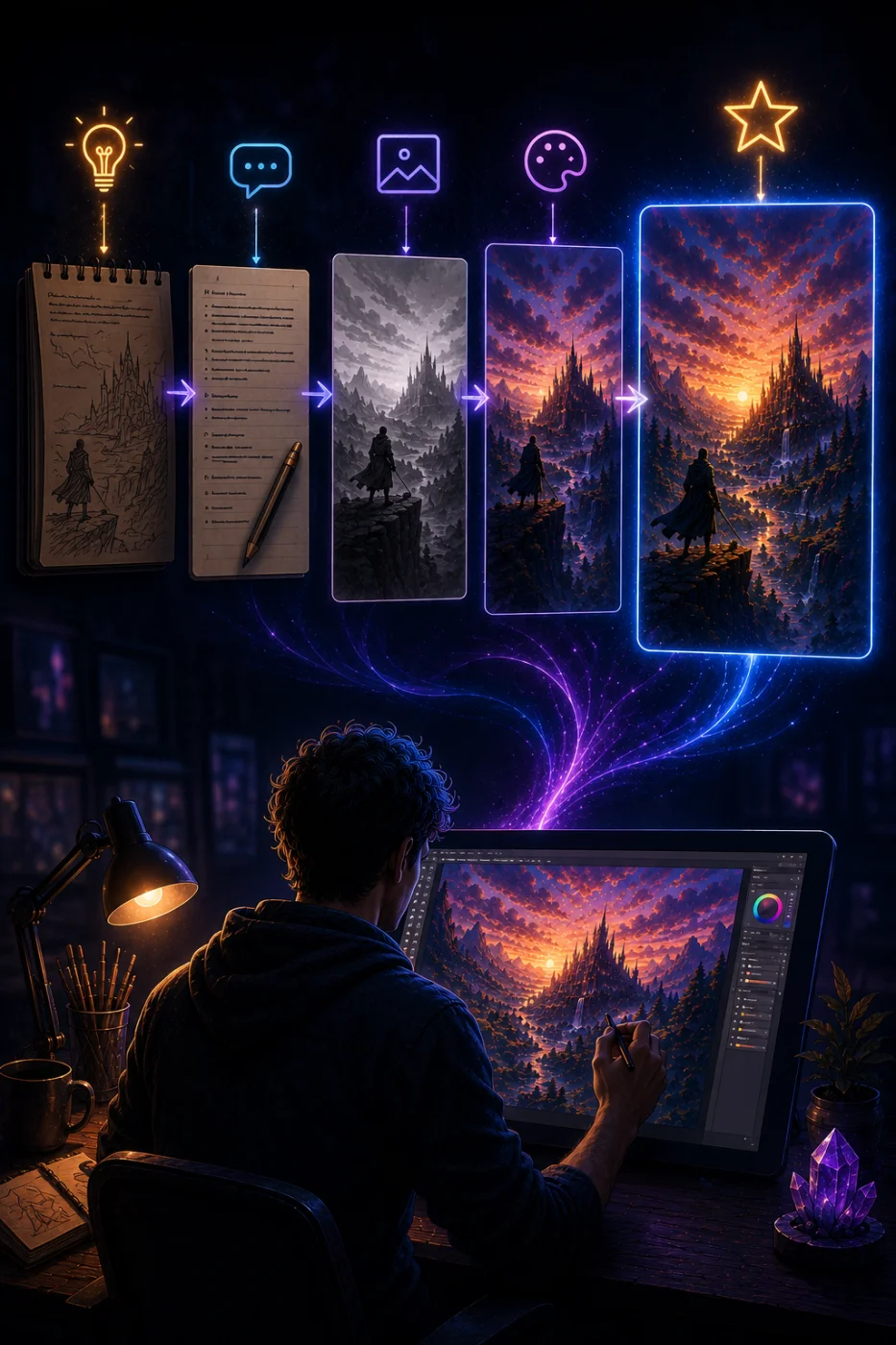
Lesson 15beginnerfree13 minFrom First Prompt to Final Image
Recommended as the next required step in this course.
Learn how to improve an AI wallpaper through prompt iteration, critique, refinement, and final preparation.
Lesson path
Course section
43 requiredQuality, Fixing, and Publishing
3 lessons mapped in this section
Step 15
15
Step 15
Lesson 14beginnerfree16 minNegative Prompts and Common AI Image Problems
Recommended as the next required step in this course.
Learn how to use negative prompts and prevention phrases to reduce common AI image problems in wallpaper artwork.
Lesson path
Step 16
16
Step 16
Lesson 16beginnerfree12 minPreparing AI Wallpapers for Skinbase Uploads
Recommended as the next required step in this course.
Learn how to prepare AI-generated wallpapers for Skinbase with better quality checks, titles, tags, descriptions, and upload-ready presentation.
Lesson path
Step 17
17
Step 17
Lesson 17beginnerfree13 minFinal Challenge: Create a Skinbase-Ready Wallpaper Prompt Pack
Recommended as the next required step in this course.
Complete the course by creating a small pack of polished, Skinbase-ready AI wallpaper prompts.
Lesson path