
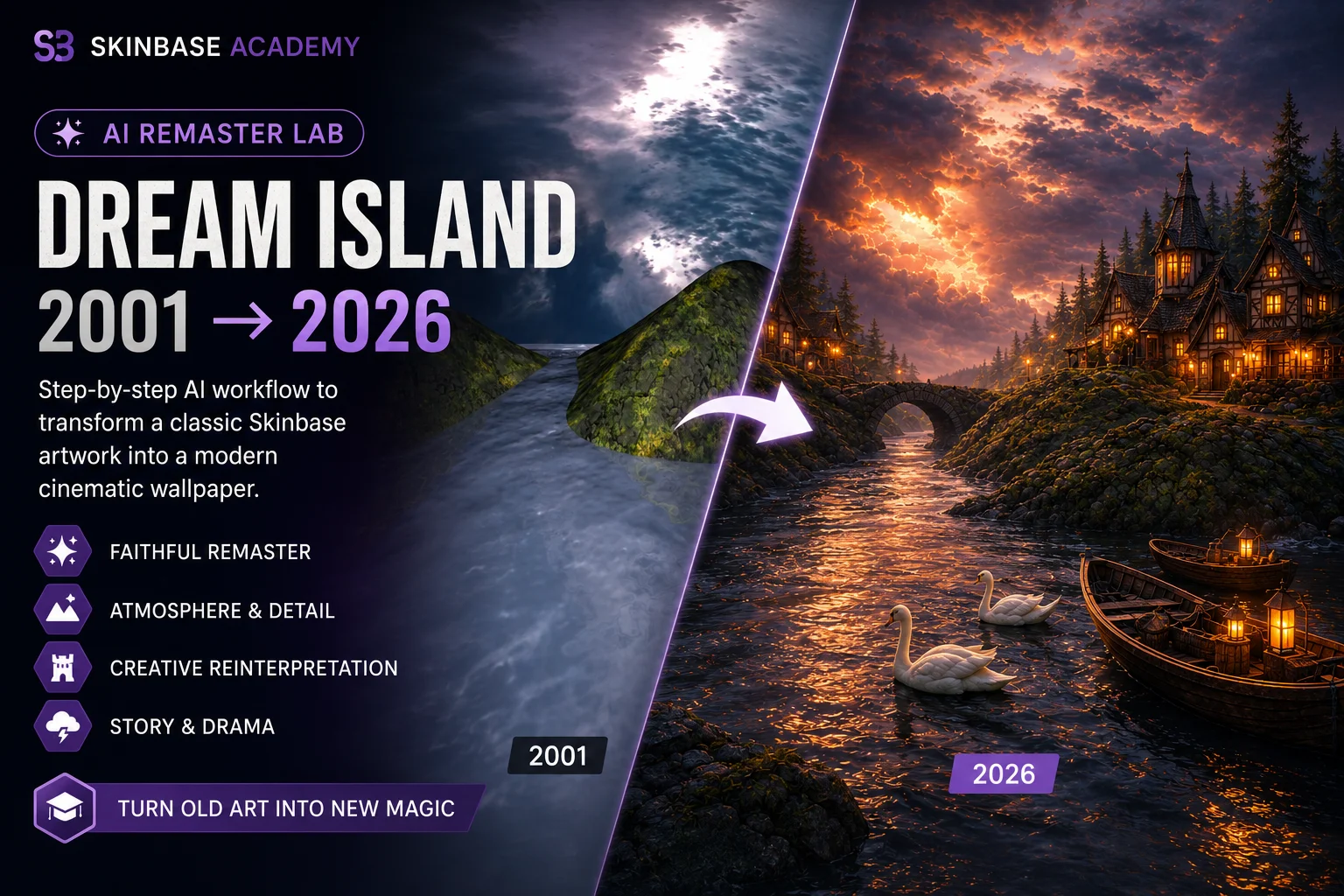
Step-by-step AI remastering of a classic Skinbase wallpaper
AI Remaster Lab: Dream Island 2001 → 2026
Learn how to take the 2001 Skinbase artwork Dream Island and transform it into a modern cinematic wallpaper with a controlled AI workflow.
Library
11 lessons
Structure
1 sections
Pace
90 min
Status
Ready to start
Course section
011 requiredCore lessons
Lessons shown before the course branches into sections.
11 lessons mapped in this section
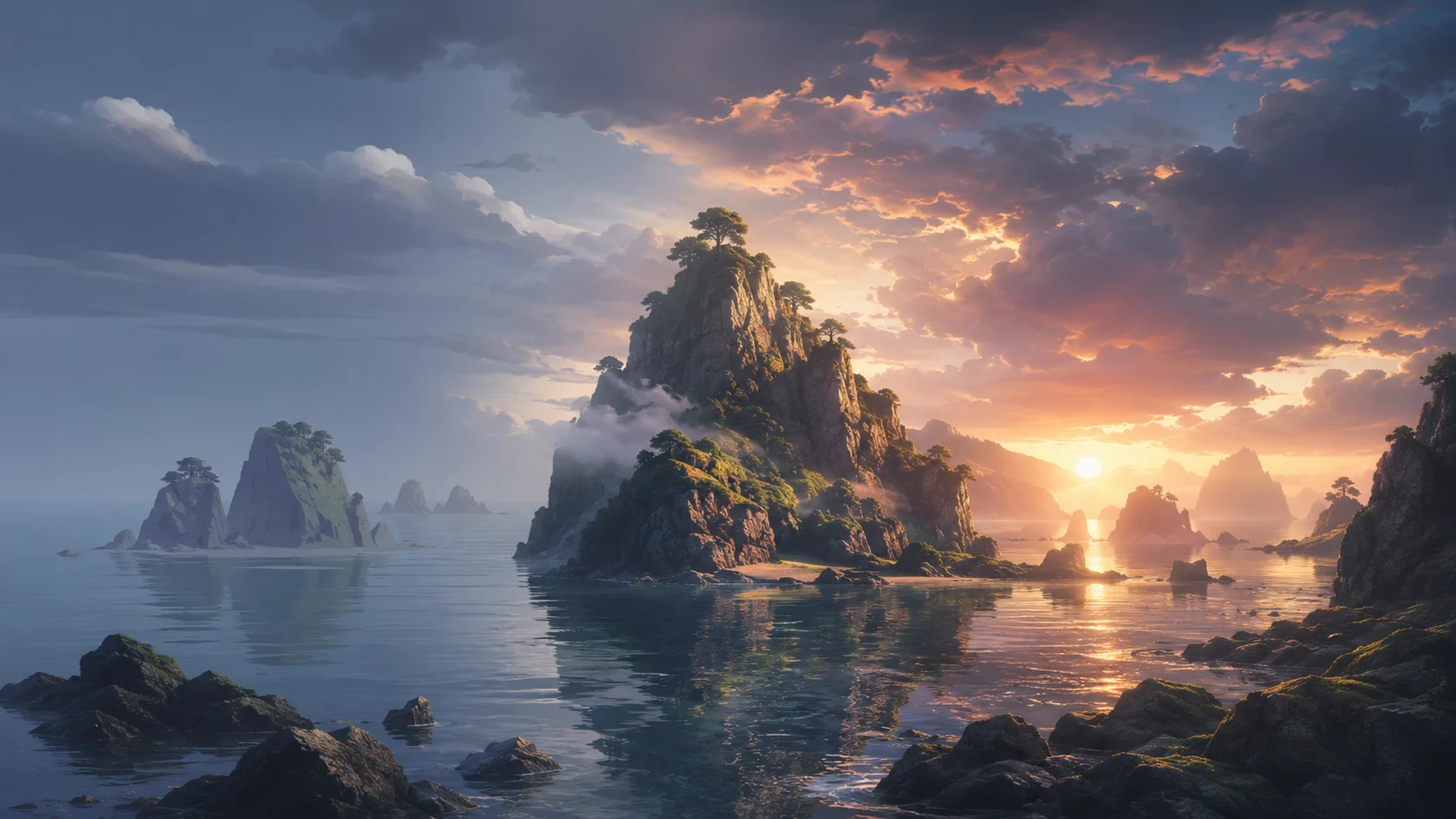
Step 01
01
Step 01
Lesson 01intermediatefree5 minIntroduction: Why Remaster Old Digital Art?
Recommended as the next required step in this course.
Learn why AI remastering is most powerful when it respects the original artwork instead of replacing it.
Lesson path
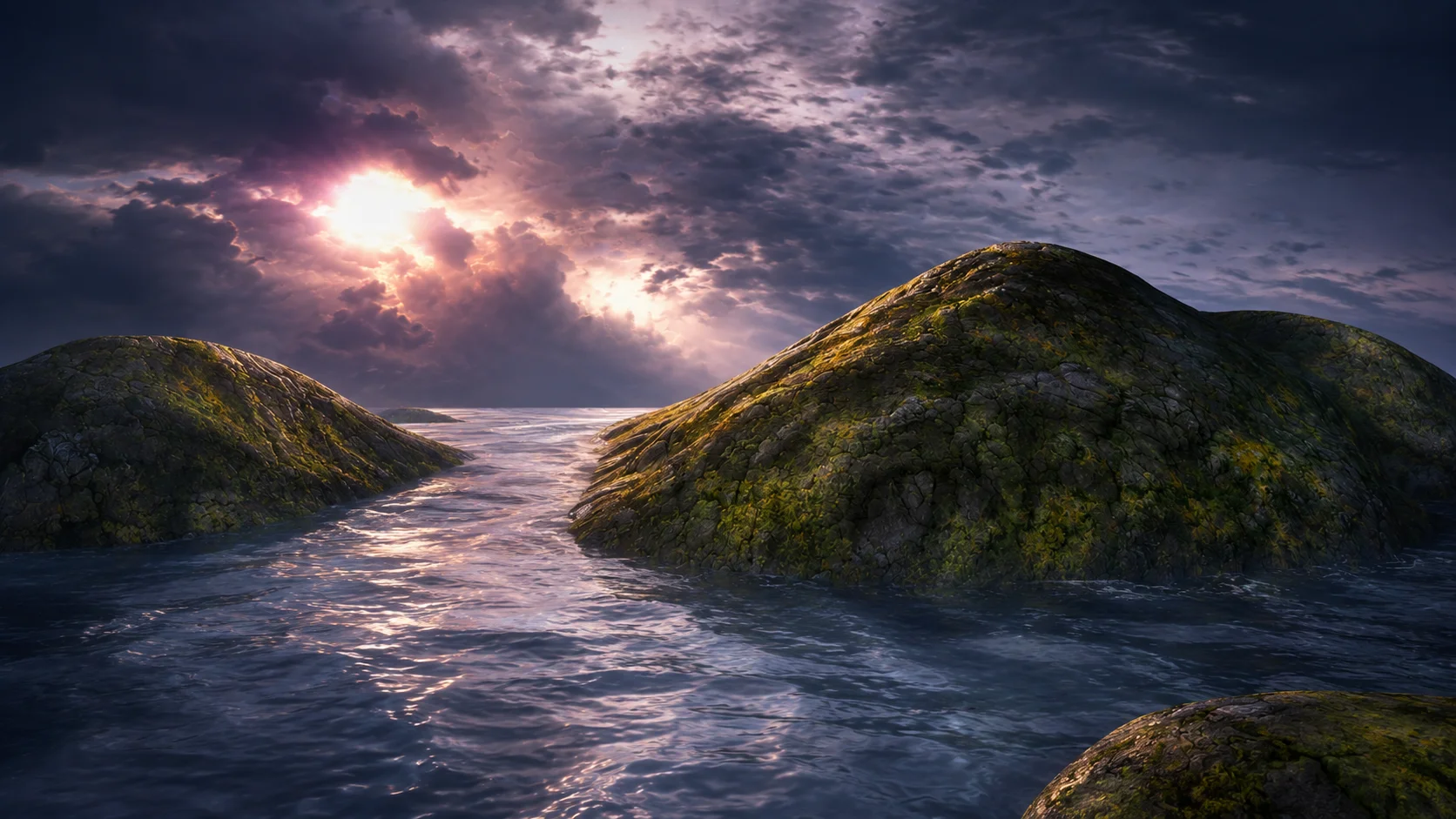
Step 02
02
Step 02
Lesson 02intermediatefree6 minReading the Original Dream Island Image
Recommended as the next required step in this course.
Analyze the original Dream Island artwork so every AI improvement starts from clear creative intent.
Lesson path
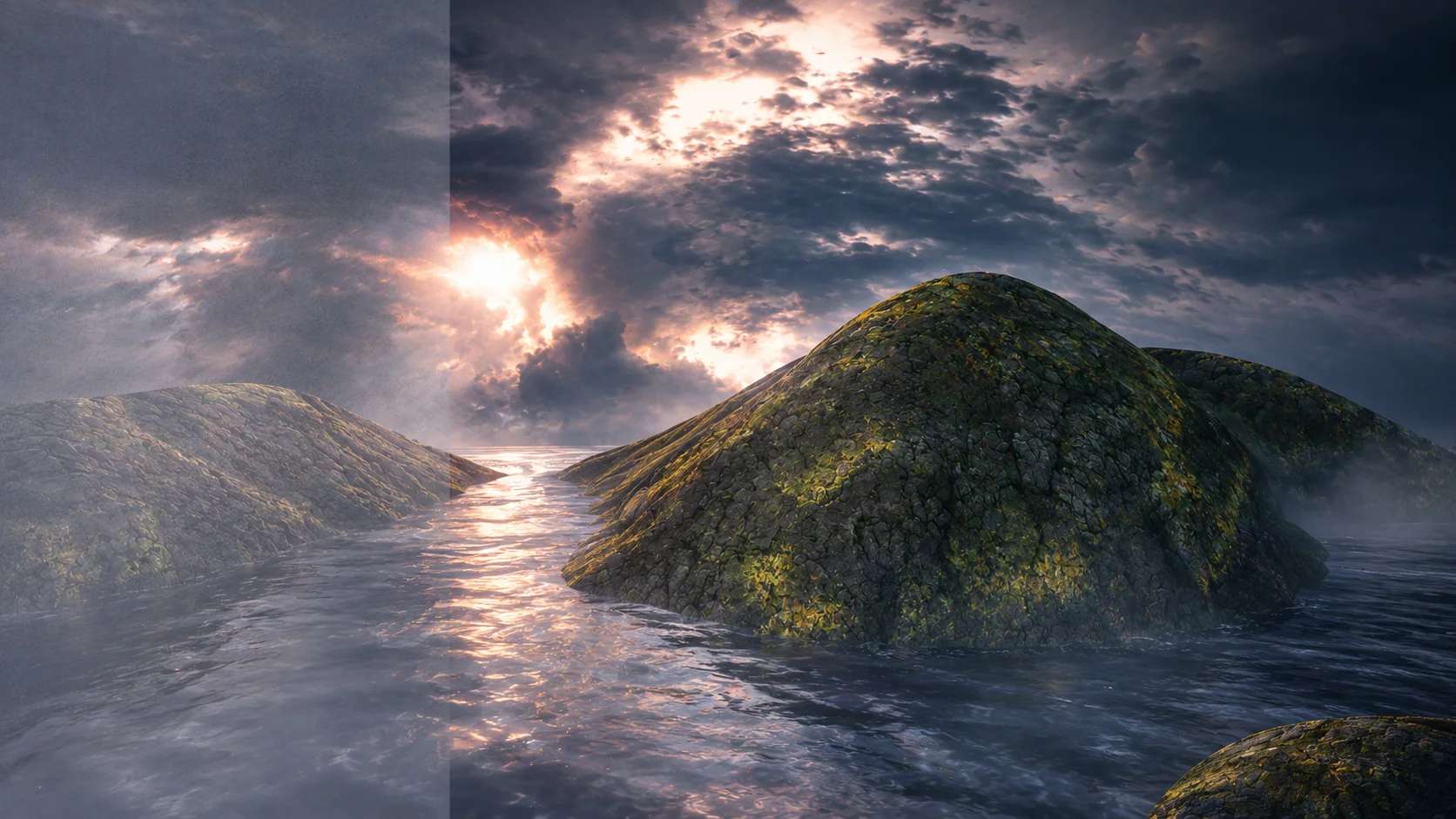
Step 03
03
Step 03
Lesson 03intermediatefree6 minPreparing a 2001 Render for AI
Recommended as the next required step in this course.
Prepare an older digital render for AI remastering by cleaning, cropping, documenting, and protecting the original source.
Lesson path
Step 04
04
Step 04
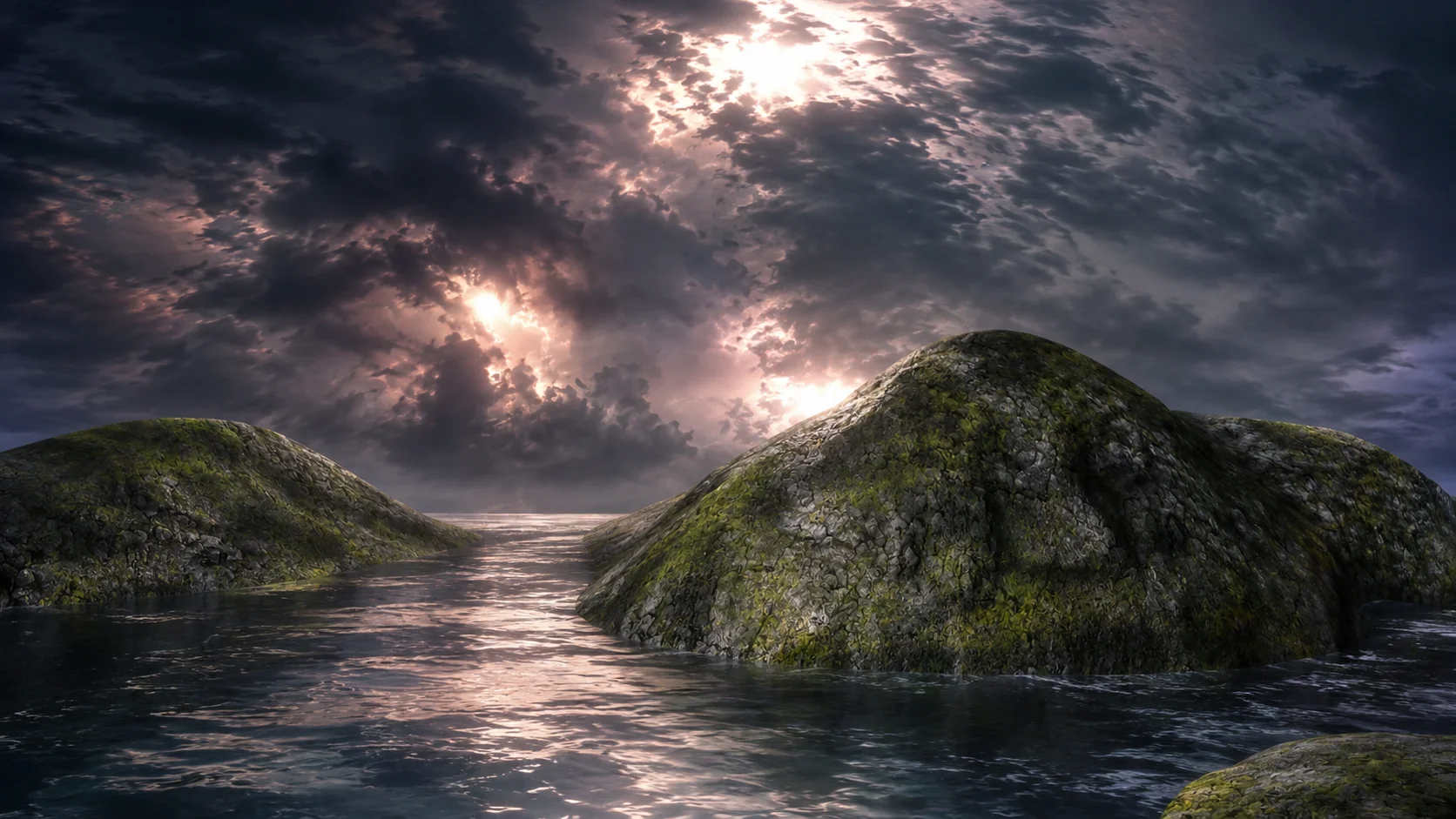
Lesson 04intermediatefree7 minCreating a Faithful AI Remaster
Recommended as the next required step in this course.
Create the first AI-enhanced version of Dream Island while keeping the original composition, mood, and visual identity intact.
Lesson path
Step 05
05
Step 05
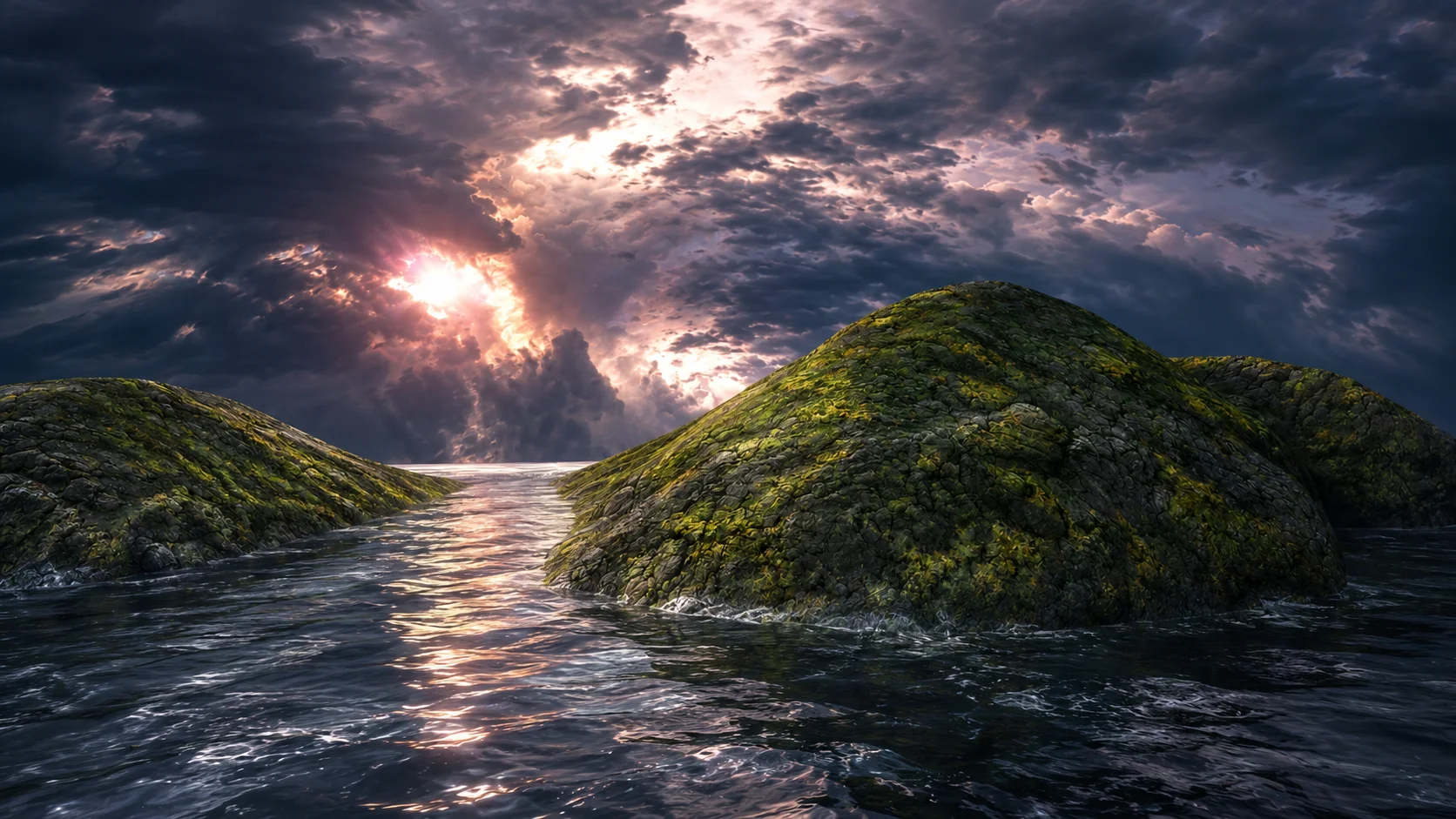
Lesson 05intermediatefree8 minImproving Water, Rock, Moss, and Sky
Recommended as the next required step in this course.
Learn how to improve the key natural materials in Dream Island without changing the original scene.
Lesson path
Step 06
06
Step 06
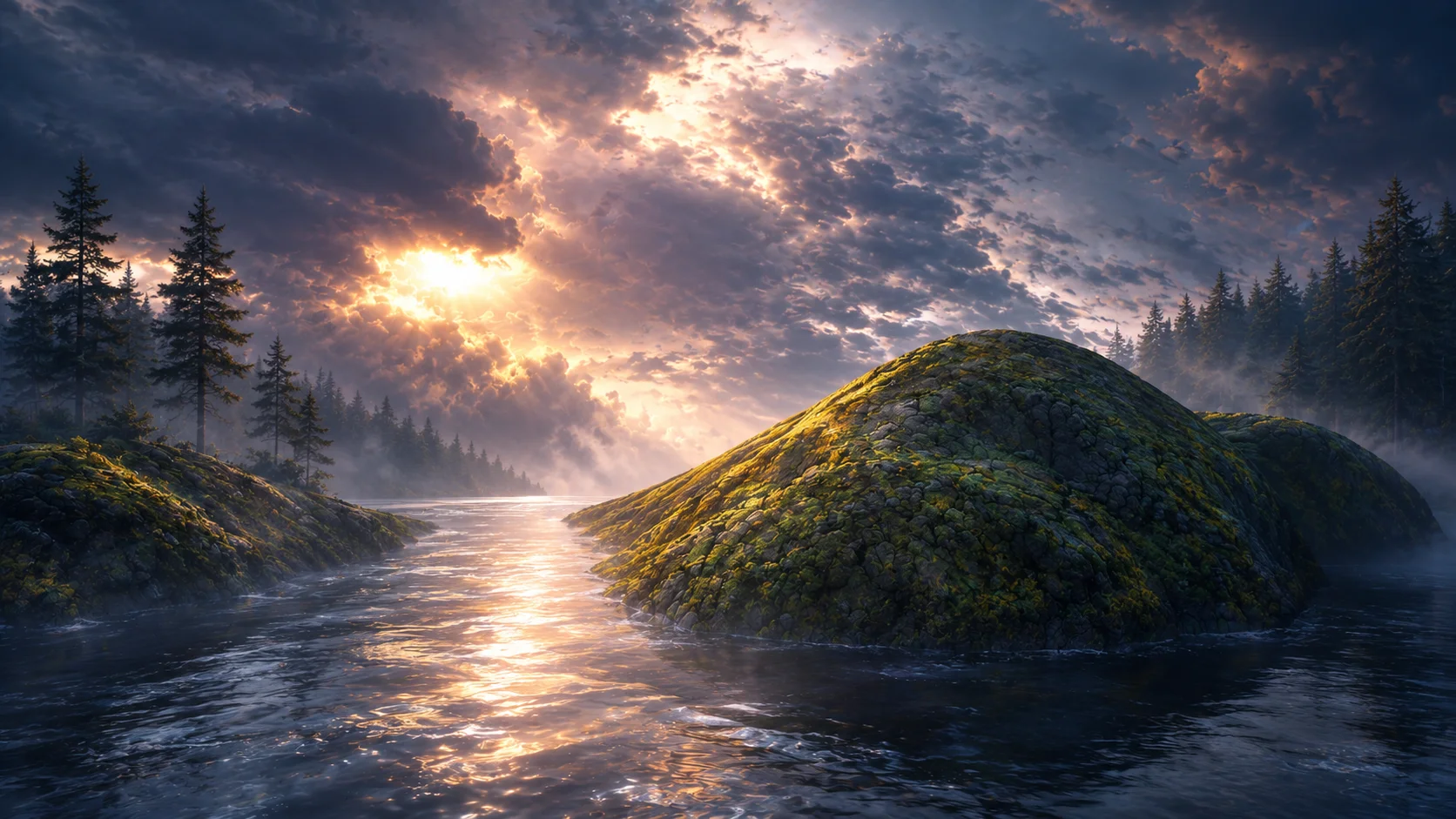
Lesson 06intermediatefree7 minExpanding the Scene with Atmosphere and Forest
Recommended as the next required step in this course.
Learn how to add depth, forest detail, mist, and atmosphere while keeping the Dream Island composition intact.
Lesson path
Step 07
07
Step 07
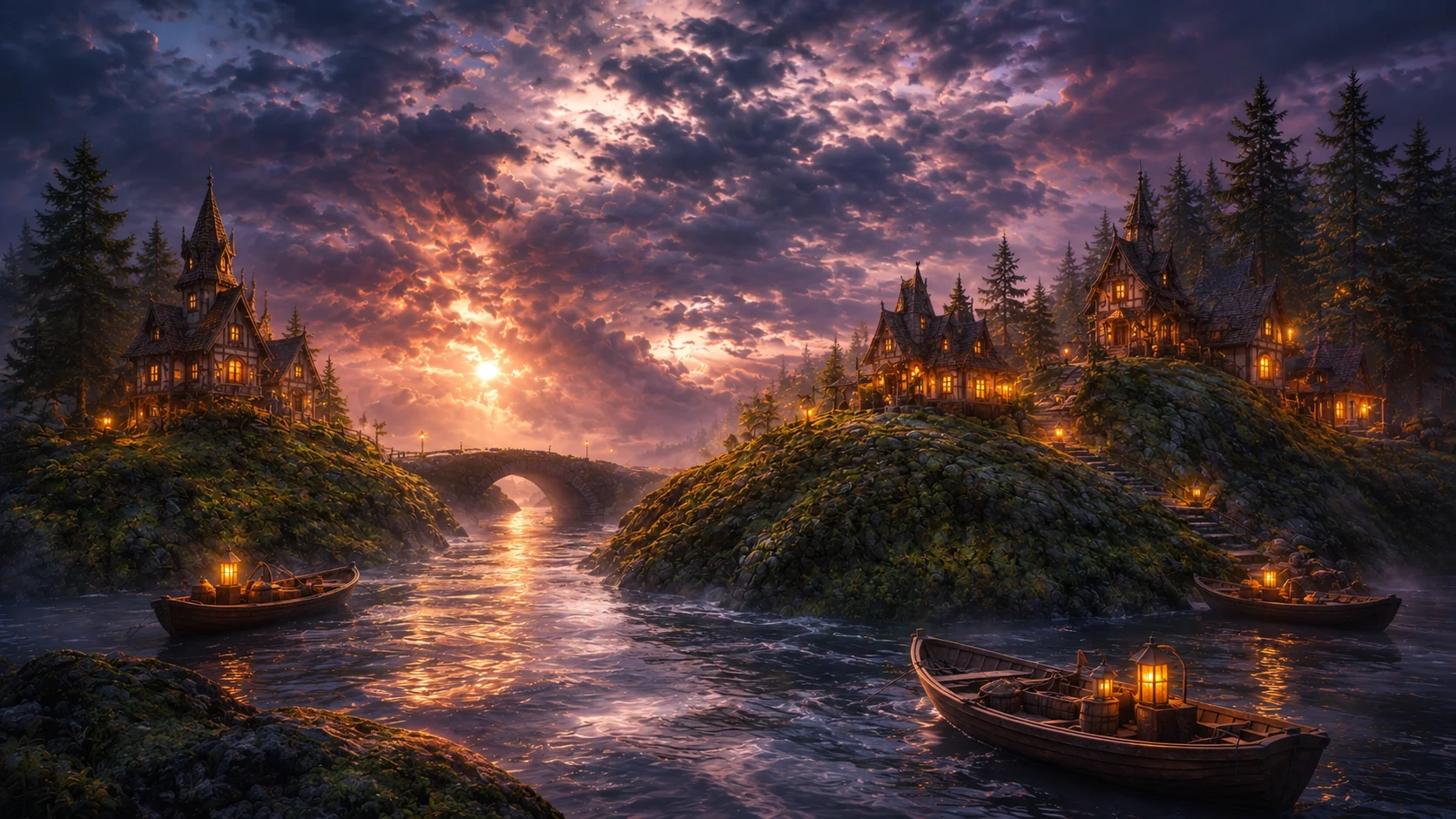
Lesson 07intermediatefree8 minCreative Reimagining: Turning the Island into a Fantasy Village
Recommended as the next required step in this course.
Transform Dream Island into a fantasy village while preserving the original island structure, water, sky, and mood.
Lesson path
Step 08
08
Step 08
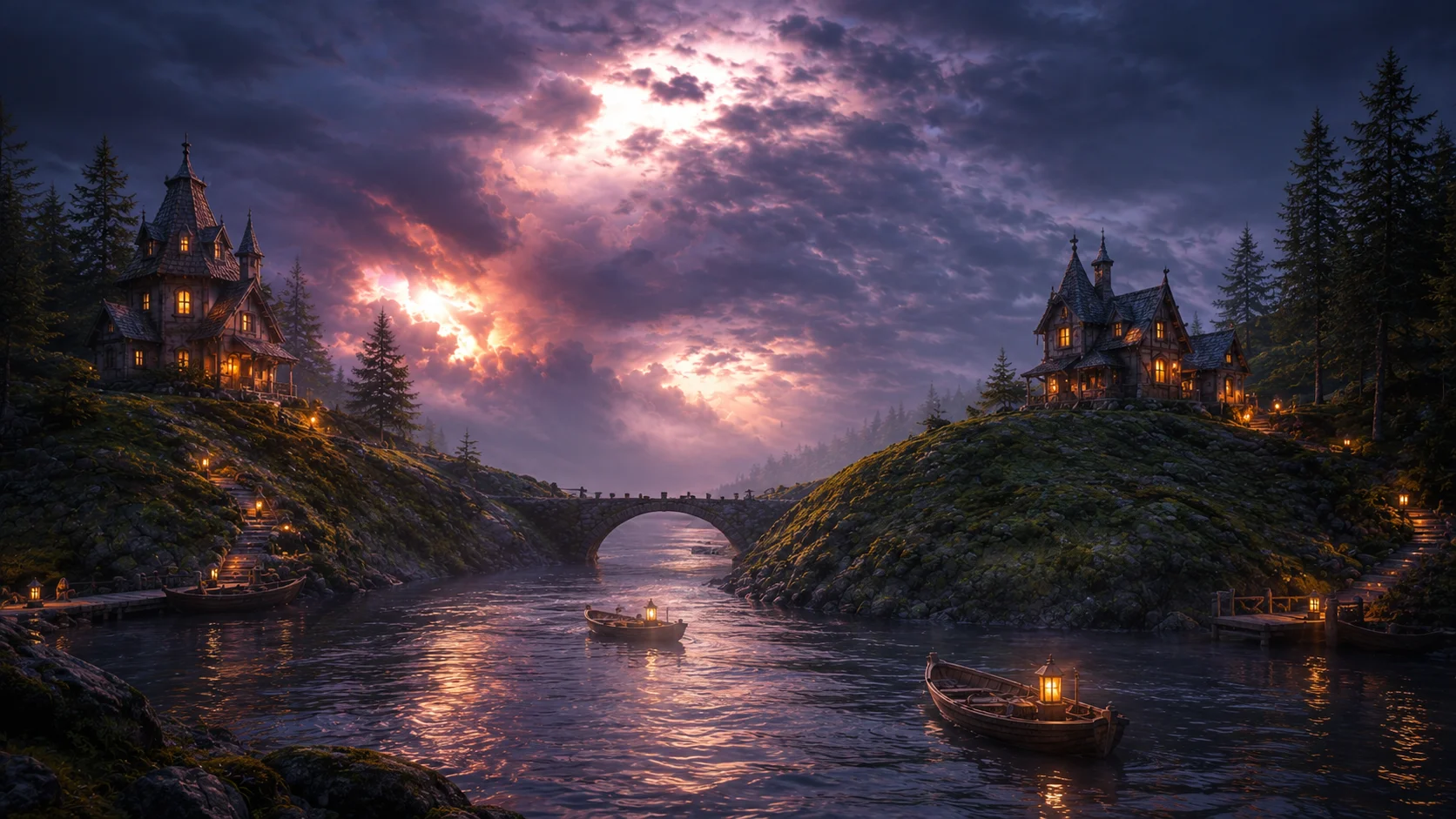
Lesson 08intermediatefree8 minAdding Story Elements Without Overcrowding the Image
Recommended as the next required step in this course.
Learn how to add boats, lanterns, bridges, wildlife, and sky drama while keeping the Dream Island remaster readable.
Lesson path
Step 09
09
Step 09
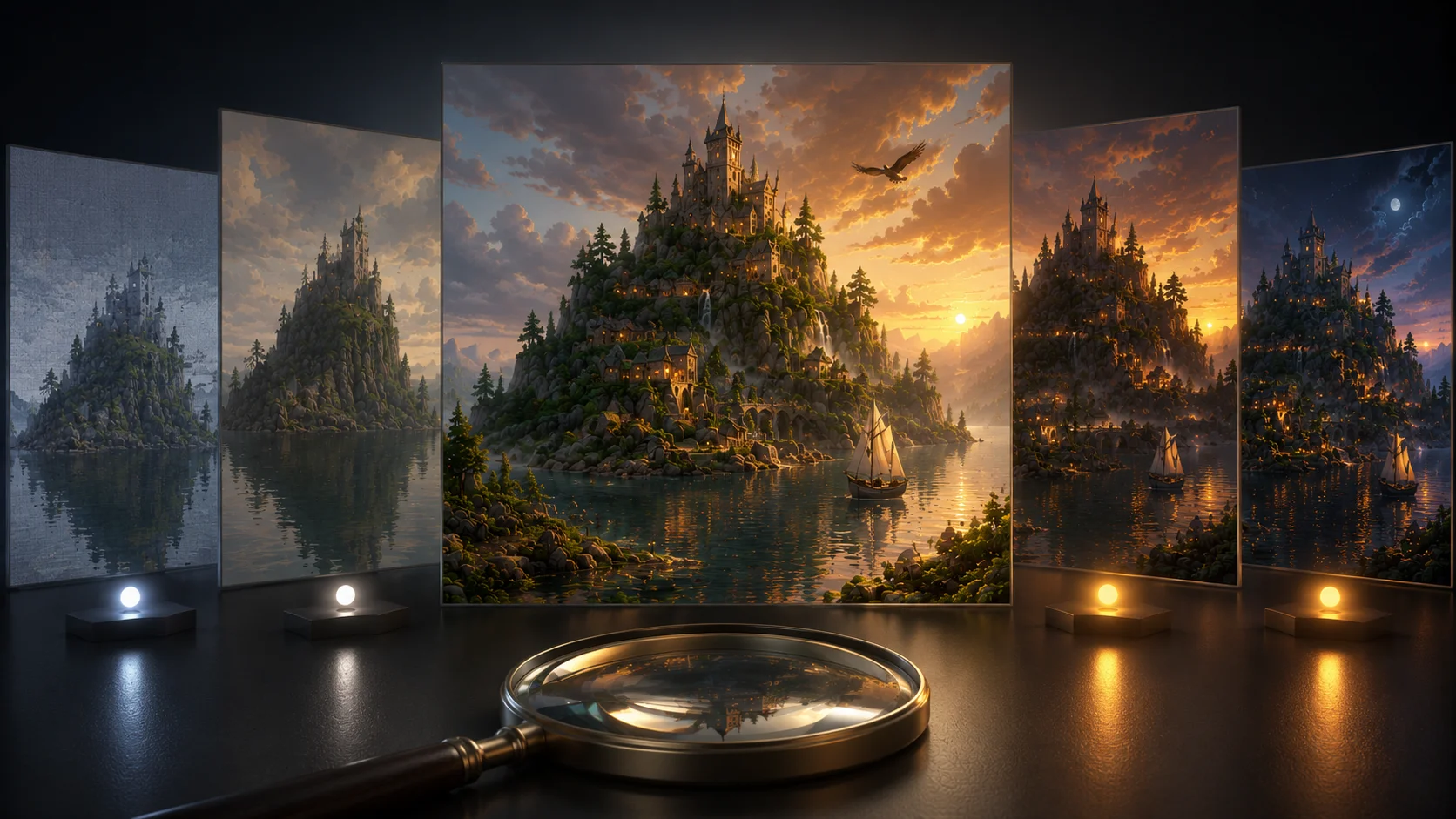
Lesson 09intermediatefree7 minComparing Versions and Choosing the Best Final
Recommended as the next required step in this course.
Learn how to compare every Dream Island remaster version and choose the strongest final image for publication.
Lesson path

Step 10
10
Step 10
Lesson 10intermediatefree7 minPreparing the Final Wallpaper for Skinbase
Recommended as the next required step in this course.
Prepare the selected Dream Island remaster for upload with clean exports, honest labeling, strong metadata, and wallpaper-ready presentation.
Lesson path
Step 11
11
Step 11
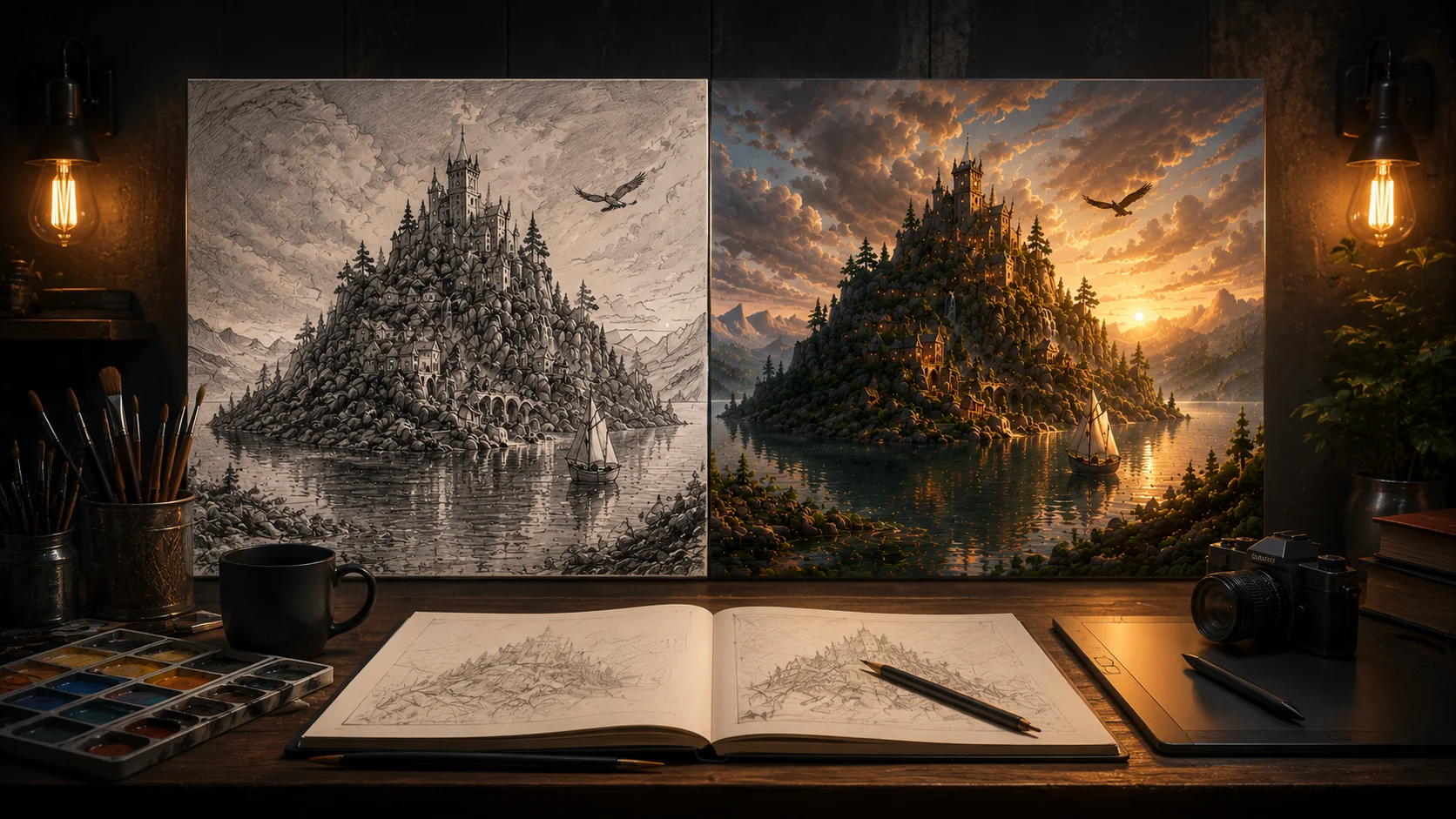
Lesson 11intermediatefree6 minFinal Challenge: Remaster One of Your Own Old Artworks
Recommended as the next required step in this course.
Apply the full AI remaster workflow to one of your own older artworks and prepare a finished before-and-after result.
Lesson path