
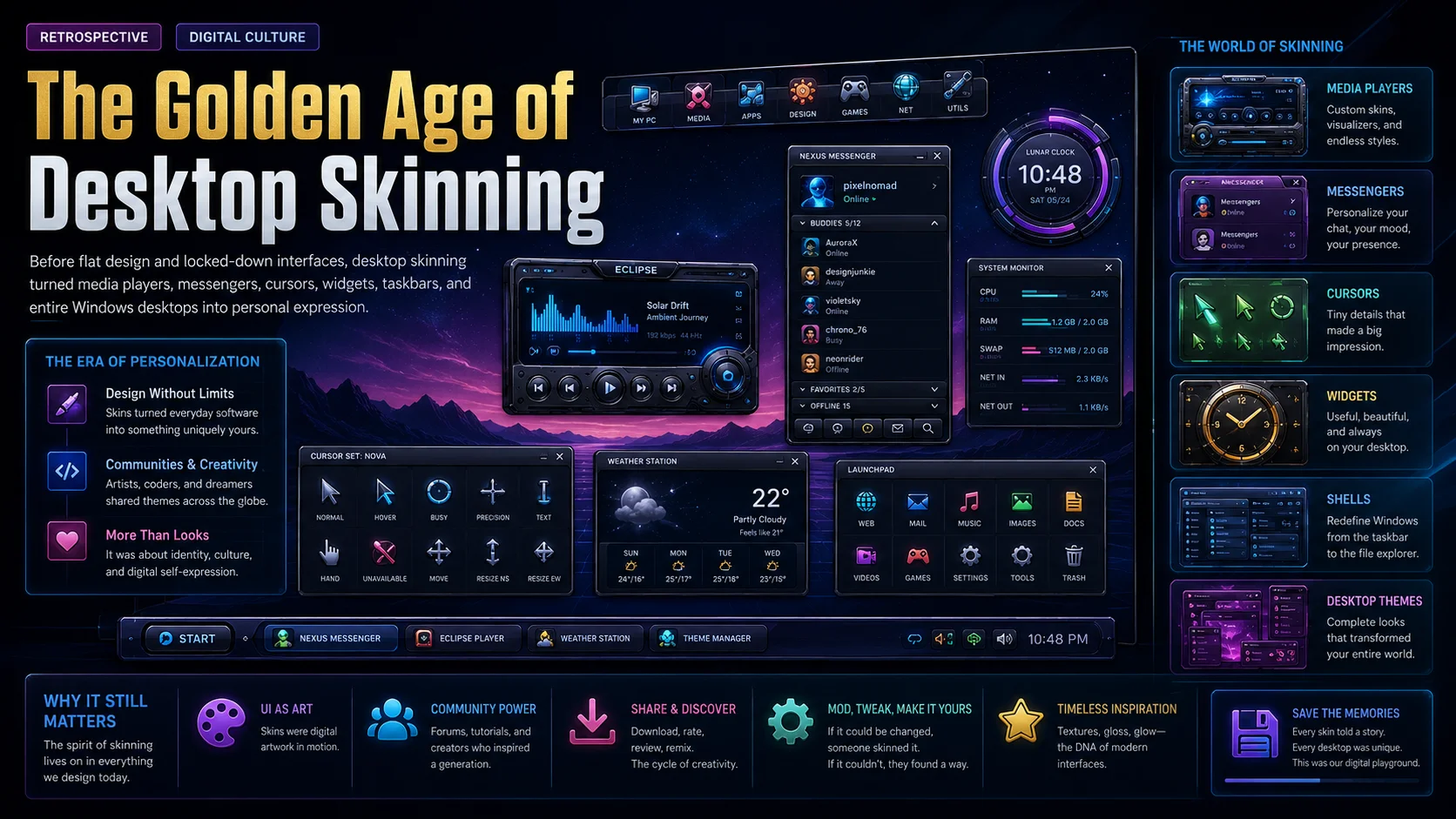
Before flat design and locked-down interfaces, desktop skinning turned media players, messengers, cursors, widgets, taskbars, and entire Windows desktops into personal digital expression.
When the Desktop Became Personal
There was a time when a computer desktop was not just a workspace. It was a statement.
The wallpaper said something about your mood. The icons said something about your style. The music player skin said something about your taste. The cursor, the system monitor, the clock, the taskbar, the chat client, and even the window borders could all be changed, replaced, recolored, reshaped, and rebuilt.
This was the golden age of desktop skinning.
For users who lived through it, the memory is vivid: dark metallic Winamp skins, futuristic WindowBlinds themes, ICQ contact lists with custom colors, animated cursors, LiteStep shells, DesktopX widgets, ObjectBar menus, Rainmeter dashboards, glowing system monitors, custom boot screens, icon packs, wallpaper collections, and communities full of screenshots, comments, downloads, and friendly competition.
It was not only about making Windows look different. It was about making the computer feel like yours.
Today, most software looks clean, minimal, synchronized, and controlled. Apps often follow strict design systems. Operating systems give users some personalization, but the deeper visual freedom of the early 2000s is rare. The desktop customization era was different. It was experimental, messy, creative, technical, sometimes unstable, and often beautiful.
For Skinbase, this era is not just nostalgia. It is part of the site’s identity.
Skinbase was born from the idea that software interfaces, wallpapers, skins, icons, and desktop objects deserved to be collected and shared as creative work. The golden age of desktop skinning was the world where that idea made perfect sense.
What Was Desktop Skinning?
Desktop skinning was the practice of changing the appearance of software and operating system interfaces using custom visual designs called skins.
At its simplest, a skin changed colors and background images. At its most advanced, it changed the entire shape, layout, behavior, and mood of an application or desktop environment.
A skin could make a media player look like a hi-fi stereo, a spaceship console, a brushed metal device, a cartoon gadget, a glass panel, or a minimal black bar. A Windows theme could make the operating system feel like Mac OS, BeOS, Linux, Amiga, a sci-fi movie, a cyberpunk terminal, or something completely original.
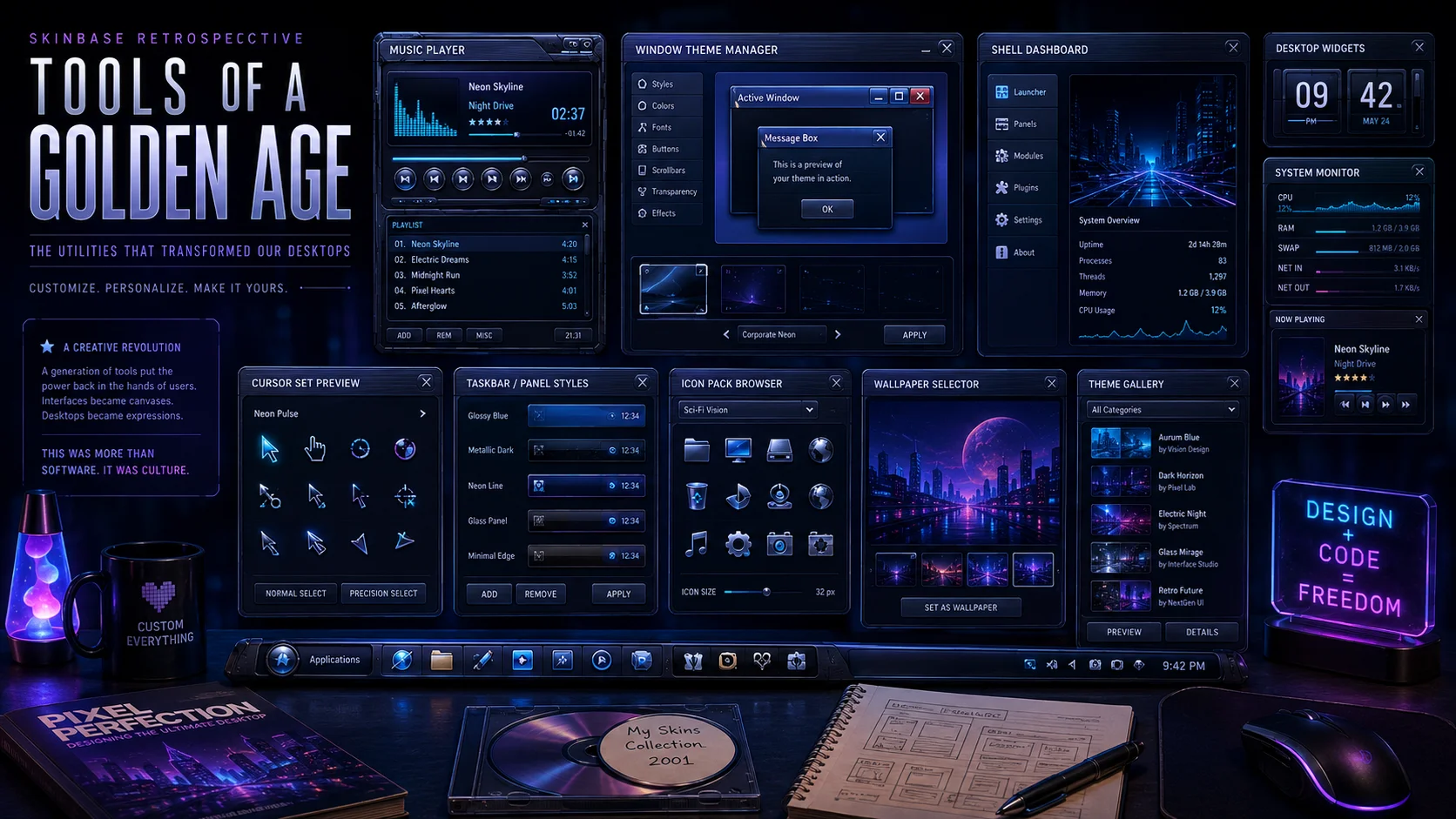
Different tools controlled different parts of the experience. Winamp changed the music player. ICQ Plus changed the messenger. WindowBlinds changed the Windows GUI. LiteStep replaced the Windows shell. DesktopX created desktop objects and widgets. ObjectBar replaced or extended the Start bar. CursorXP changed mouse cursors. Rainmeter created desktop information panels and widgets. IconPackager changed system icons. SkinStudio helped artists build WindowBlinds skins.
Communities like Skinbase, WinCustomize, Customize.org, DeskMod, Skinz.org, and DeviantArt gave people places to share their work. Together, these tools and communities created a culture where the desktop became a canvas.
The Timeline: From Hobby to Movement
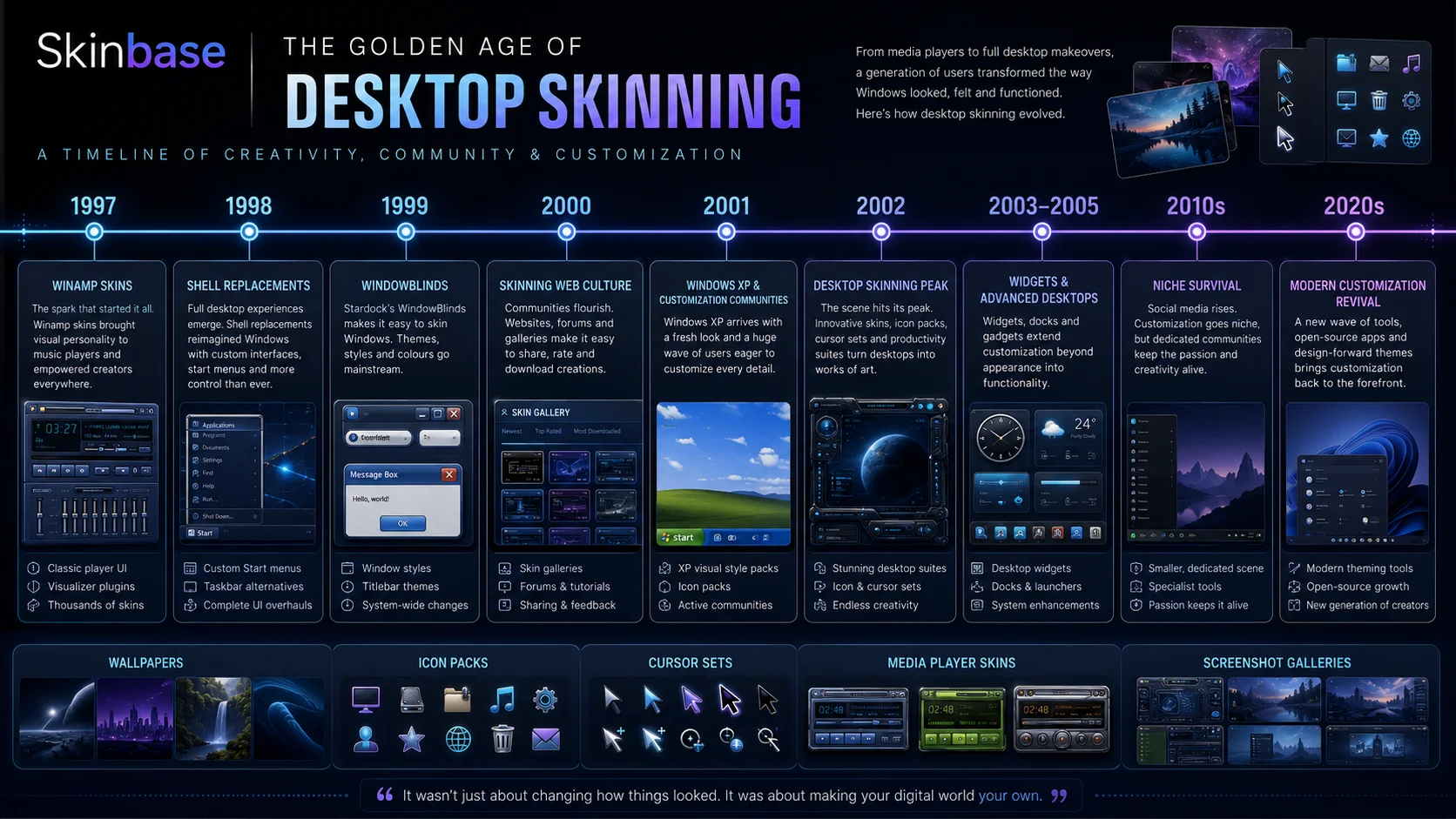
1997–1998: The late 1990s were the beginning of the skinning underground. Winamp arrived in 1997 and quickly became one of the most important early examples of skinnable software. Its compact MP3 player interface was already distinctive, but skins transformed it into something much bigger. Users could redesign the player’s appearance, share their work online, and collect designs made by others.
Around the same time, shell replacement experiments were gaining attention. LiteStep, inspired by Unix and NeXTSTEP-style environments, gave advanced Windows users a way to replace the normal Explorer shell with something modular and deeply configurable. This was not simple theming. It was rebuilding the desktop itself.
1999: WindowBlinds became one of the defining applications of the movement. Unlike a single-app skin, WindowBlinds focused on the Windows graphical interface itself. Title bars, borders, buttons, scrollbars, menus, and other interface elements could be visually transformed. If Winamp proved that an application could become a canvas, WindowBlinds suggested that the entire desktop environment could become one.
2000: Skinning became a visible internet movement. The web helped the culture grow because skins were small enough to download on slow connections, screenshots could show a complete setup at a glance, and artists could release a design and receive feedback from users around the world.
This was also the year DeviantArt launched. Although it later became a much broader art platform, its early identity was strongly connected to application customization, skins, and digital interface artwork. That connection made sense. Skins were a form of digital art, and many skinners were already thinking like interface designers, pixel artists, illustrators, and product designers.
2001: Customization communities became destinations. WinCustomize went live in March 2001 and became a major hub for Windows customization, offering galleries, downloads, forums, comments, ratings, and a sense of continuity. Skinbase, Customize.org, DeskMod, Skinz.org, DeviantArt, and other sites played similar roles for different parts of the community.
This period mattered because the scene was no longer only about tools. It was about people. Artists developed recognizable styles. Users followed favorite creators. Screenshot galleries became inspiration boards. Comments encouraged improvement. Releases felt like events. A great skin could spread across multiple communities and become part of the visual memory of the era.
2001–2002: Windows XP gave the customization movement a major boost. Luna made one thing clear: Windows could have personality. XP also arrived at the right technical moment. With Windows 2000 and XP, many customization tools became more practical for everyday users.
This is why 2002 became such an important year for skinning. Millions of people were using XP. Many were bored with the default look or wanted something more personal. Skinning moved from a niche hobby into something much more visible.
Winamp: The Music Player as a Canvas
Winamp was one of the biggest gateways into skinning.
It was fast, small, and perfect for MP3 playback. But its real cultural power came from the way it let users change its appearance. A Winamp skin could be futuristic, gothic, minimal, playful, metallic, abstract, branded, anime-inspired, game-inspired, or completely original.
For many artists, Winamp was the first interface they ever designed. Its fixed structure made it approachable, but the small details made it challenging. Buttons, sliders, displays, equalizers, playlists, and tiny icons all had to work together.
A good Winamp skin was not only decorative. It had to be usable. The play button still had to be found. The playlist still had to be readable. The equalizer still had to make sense. That balance between art and usability made Winamp skins important. They helped turn hobbyists into interface designers.
ICQ, Messenger Skins, and Online Identity
Instant messaging was another major part of the customization era.
ICQ, AIM, MSN Messenger, Trillian, and other clients were not just communication tools. They were always visible. They sat on the desktop, made sounds, showed status messages, displayed avatars, and represented online identity.
ICQ Plus and similar tools gave users more control over how their messenger looked. Contact lists, group names, buttons, colors, backgrounds, and message windows became part of the personalized desktop.
This was important because chat software was emotional software. It connected users to friends, communities, and online relationships. Customizing it made the experience feel more personal. A messenger skin was not just an interface change. It was part of how users presented themselves online.
WindowBlinds: Reshaping Windows
WindowBlinds was one of the most important tools in desktop skinning history.
It allowed users to change the look and feel of the Windows GUI itself. This meant that customization could reach beyond one application and into the operating system experience.
Title bars, buttons, scrollbars, menus, and window borders could all become part of a theme. Artists could create complete visual identities for Windows. Users could make their systems feel futuristic, dark, metallic, glassy, minimal, colorful, or inspired by another operating system.
WindowBlinds also helped professionalize skinning. Creating a full Windows skin required consistency and discipline. A theme had to work across many applications and interface states. Normal, hover, pressed, disabled, active, inactive, selected, focused — all of these details mattered.
This pushed skinners toward deeper interface thinking. It was not enough to make a pretty screenshot. The skin had to survive everyday use.
SkinStudio: The Workshop Behind the Look
SkinStudio helped creators build WindowBlinds skins.
Tools like SkinStudio mattered because they lowered the barrier between visual artists and functional interface design. Instead of manually assembling every detail in confusing ways, artists had a dedicated workflow for building and testing skins.
A complete skin could involve hundreds of small visual decisions. SkinStudio gave creators a place to manage those decisions and turn an idea into something users could install.
LiteStep: Replacing the Desktop Itself
LiteStep was for users who wanted more than a new look.
It replaced the Windows shell, meaning it could replace the Start menu, taskbar, desktop behavior, menus, modules, and launch systems. With LiteStep, the desktop could become almost anything: minimal panels, full-screen control centers, Unix-inspired environments, sci-fi dashboards, vertical docks, floating modules, or completely custom workflows.
LiteStep was not always easy. It required configuration, experimentation, and comfort with breaking things. But that was part of its appeal. For power users, LiteStep represented the deepest level of desktop freedom. It was not simply skinning Windows. It was escaping the default Windows desktop and building a new one.
DesktopX: Objects, Widgets, and Living Desktops
DesktopX brought a different idea: the desktop could be made of objects.
These objects could be clocks, system monitors, launchers, weather panels, media controls, animated elements, meters, notes, dashboards, or complete themed environments. Instead of a static wallpaper with icons on top, the desktop could become interactive.
This idea predicted later widget culture. Before smartphone widgets became normal, desktop users were already building live information panels and custom objects.
DesktopX also blurred the line between skinning and software development. A desktop object could be visual, interactive, scripted, and functional. This allowed artists and technically minded users to collaborate or become both designer and builder.
ObjectBar: Rethinking the Taskbar
ObjectBar let users replace or extend the Windows Start bar.
This mattered because the taskbar is one of the most important parts of the Windows experience. It controls launching, switching, system tray access, menus, and desktop flow. Changing it could make Windows feel like a different operating system.
ObjectBar could mimic ideas from other systems, including Mac-style menus, Linux-style wharfs, custom docks, task groups, and alternative launch bars. It gave users a way to rethink how they moved through their computer.
This was a key idea of the era: customization was not only visual. It could also change behavior.
CursorXP: The Small Detail That Mattered
Mouse cursors were a small but beloved part of the scene.
CursorXP gave users a way to make cursors more visually expressive. Cursors could be larger, smoother, animated, colorful, glowing, or shaped to match a complete desktop theme.
This might sound minor, but desktop customization culture cared deeply about details. A custom cursor could complete a theme. It could make the whole desktop feel more coherent. In a fully customized setup, the cursor, icons, windows, media player, wallpaper, and widgets all belonged to the same world.
Rainmeter: The Survivor
Rainmeter deserves special attention because it carried many old customization ideas into the modern era.
First released in the early 2000s, Rainmeter became known for desktop widgets and information panels: clocks, system monitors, weather displays, RSS readers, launchers, media controls, and later complex desktop dashboards.
Unlike many tools from the golden age, Rainmeter survived and evolved. It remained free and open source, and it developed a strong community around user-created skins and suites.
Rainmeter also changed with visual trends. In the 2000s, many skins were glossy, metallic, and futuristic. Later, Rainmeter became associated with minimal desktop setups, flat design, anime desktops, productivity dashboards, audio visualizers, and carefully curated screenshot culture.
If WindowBlinds represents the classic Windows skinning era, Rainmeter represents its long afterlife.
The Communities That Made It Work
The tools were important, but the communities made the culture.
A skin without a community is just a file. A skin inside a community becomes part of a conversation.
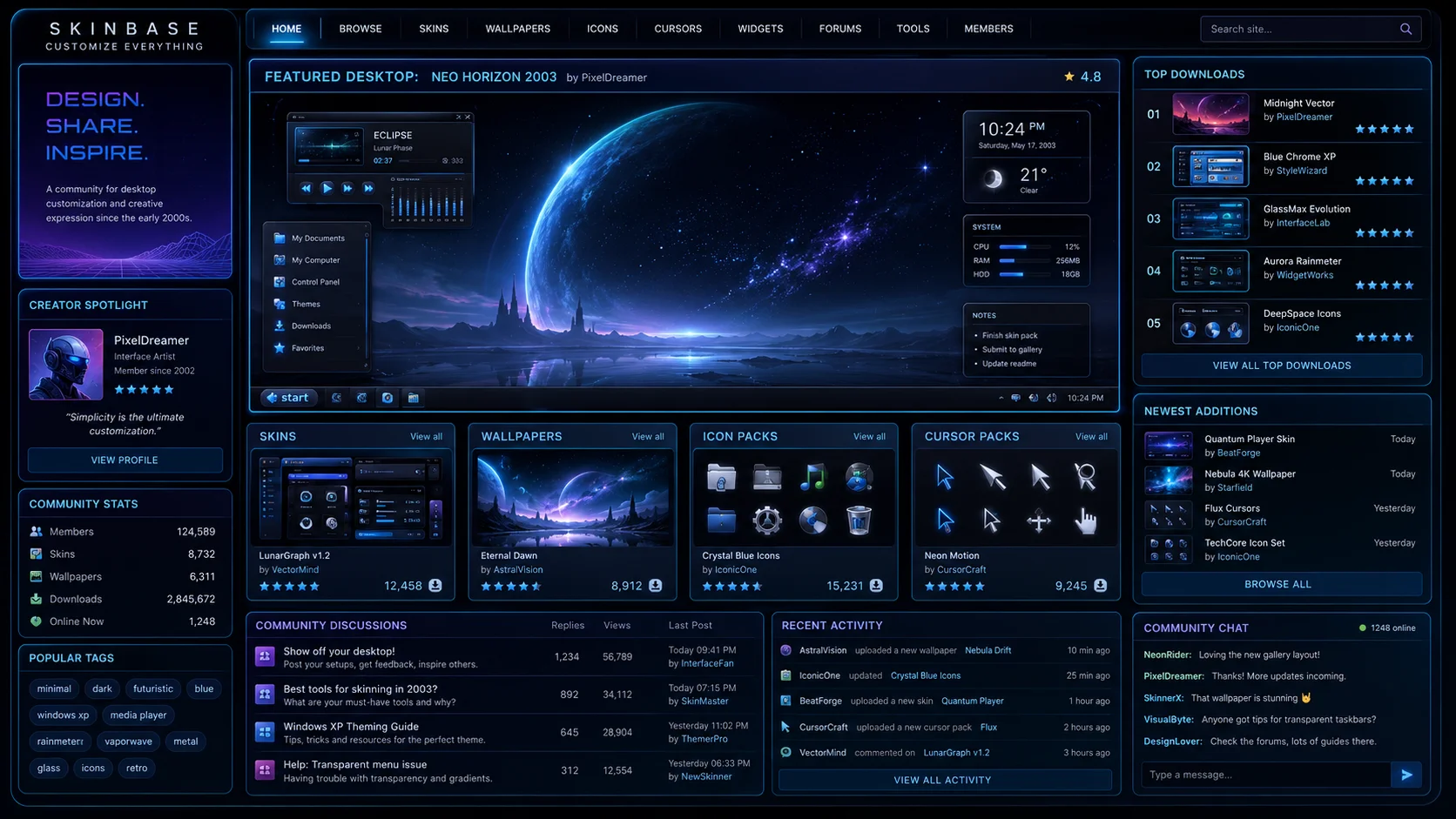
Skinbase and similar sites gave creators a place to share their work. Users could browse new releases, download skins, comment, rate, request changes, follow favorite artists, and discover software they had never heard of before.
A typical customization journey might begin with a Winamp skin. Then the user would search for a matching wallpaper, change icons, install WindowBlinds, discover DesktopX or Rainmeter, post a screenshot, receive comments, and eventually start making their own skins.
That chain reaction was the magic of the scene. Communities also created standards of taste. Users learned what looked good, what was readable, what was overdesigned, what was original, what was copied, and what was technically impressive. A great screenshot could inspire dozens of others.
Why 2002 Felt Like the Peak
Around 2002, many forces came together.
Windows XP was popular. Broadband was spreading. Photoshop-style workflows were more common. MP3 culture was huge. Instant messaging was central to online life. DeviantArt and WinCustomize were growing. Skinbase and other communities were active. Stardock’s Object Desktop tools were maturing. Small skinnable utilities were everywhere.
It felt like everything could be skinned.
Music players, calculators, clocks, calendars, webcam tools, note apps, resource monitors, alarm clocks, screenshot tools, media libraries, launchers, cursors, chat clients, and full desktops all had skins.
The idea was simple but powerful: why should software look the same for everyone?
The Look of the Golden Age
The golden age had a very recognizable visual language.
Common styles included brushed metal, chrome, glass, dark blue panels, green digital displays, glowing cyan edges, purple highlights, beveled buttons, liquid shapes, sci-fi consoles, mechanical interfaces, industrial textures, circuit patterns, translucent panels, futuristic grids, tiny pixel-perfect controls, compact system monitors, equalizer bars, and audio waves.
This was the opposite of today’s minimalism. Interfaces were often heavy, expressive, and full of personality.
Some designs were beautiful. Some were chaotic. Some were hard to use. But even the strange ones had energy. The best skins felt like miniature worlds.
The Artists Behind the Skins
The scene was full of creators who were not always called designers in a professional sense, but who were absolutely doing design work.
They made layouts. They chose palettes. They created icons. They tested readability. They designed hover states. They solved usability problems. They built visual systems. They responded to feedback. They released updates.
Many were teenagers, students, hobbyists, programmers, gamers, musicians, or digital artists. Some later moved into professional design, web development, UI work, game art, or software careers.
Skinning was a training ground. It taught practical skills: pixel precision, visual hierarchy, color theory, interface states, file packaging, user feedback, version updates, documentation, and community presentation.
A skin was not only artwork. It was a product.
The Screenshot Culture
Screenshots were the social currency of desktop skinning.
A screenshot showed the full setup: wallpaper, icons, media player, windows, taskbar, widgets, cursor, and sometimes even the playlist. Users could study how everything worked together.
This encouraged complete desktop composition. A single skin could be good. But a complete desktop could be memorable. The best setups had unity: matching colors, consistent shapes, balanced spacing, and a clear mood.
People did not only ask what skin was being used. They asked about the wallpaper, icons, Winamp skin, WindowBlinds theme, system monitor, shell, font, dock, and cursor. Desktop customization became a layered craft.
The Role of Skinbase
Skinbase belongs in this history because it served the exact audience that made the movement possible.
It was a place for people who cared about the visual personality of software. It connected wallpapers, skins, icons, themes, and digital art into one creative environment.
Skinbase was not only about downloads. It was about taste, discovery, and preservation.
In the early 2000s, sites like Skinbase helped users find the pieces they needed to build a complete desktop identity. They also helped creators reach people who appreciated the work.
That is why this retrospective matters for Skinbase today. The site is not just covering an old trend from the outside. It is part of that story.
Why the Movement Declined
The golden age did not end overnight. It faded gradually, for several reasons.
Operating systems became harder to modify. As Windows evolved, deeper customization became more difficult. Security, stability, signed system files, protected UI frameworks, and changing rendering systems made it harder for third-party tools to modify the operating system safely.
Design trends changed. The early 2000s loved texture, chrome, glass, bevels, and expressive UI. Later design trends moved toward flat design, minimalism, consistency, and brand-controlled interfaces.
Mobile changed expectations. Smartphones shifted attention away from the desktop. On mobile platforms, customization was more controlled. Apps had stricter guidelines. Users became used to polished but locked-down experiences.
Web apps replaced many desktop apps. A browser-based service usually could not be skinned like Winamp or ICQ. The interface belonged to the company, not the user.
Social platforms replaced many niche communities. The internet became more centralized. Instead of dedicated galleries and forums, people shared work through feeds, groups, and algorithmic platforms.
What Survived
Even though the golden age faded, its ideas survived.
Rainmeter remains a major Windows customization tool. WindowBlinds still exists in modern forms. Stardock continues to build Windows enhancement utilities. DeviantArt still hosts customization work, even though it is now much broader. Reddit communities, Discord servers, GitHub projects, and niche galleries keep parts of the culture alive.
Modern customization also appears in new forms: Rainmeter dashboards, minimalist desktop screenshots, anime-themed desktops, Linux ricing, custom terminal themes, browser themes, VS Code themes, Discord themes, icon packs, launcher setups, wallpaper engines, Stream Deck profiles, mechanical keyboard layouts, and mobile home screen setups.
The surface changed, but the desire is the same. People still want technology to feel personal.
From Skinning to Digital Identity
The golden age of desktop skinning was part of a bigger cultural moment.
The early internet encouraged users to build identity through digital spaces. People customized forum signatures, personal websites, Winamp skins, MySpace pages, avatars, desktop screenshots, messenger names, and profile graphics.
The desktop was one of those identity spaces.
Today, people express identity through social media profiles, phone wallpapers, app icons, gaming setups, streaming overlays, and personal brands. But the desktop skinning era had a special kind of intimacy because it was not primarily for public performance.
Your customized desktop was something you lived with. It was there when you opened your computer. It played your music. It showed your system stats. It greeted you when you came home from school or work. It was your private control room.
Why It Still Matters
The golden age of desktop skinning matters because it reminds us that software can be personal.
It challenges the idea that interfaces must always be uniform. It shows that users want beauty, identity, play, and ownership. It proves that customization can create communities, teach design skills, and turn ordinary tools into creative objects.
Skinning also matters historically because it influenced many later ideas: themes, plug-ins, widgets, app stores, creator marketplaces, UI personalization, modding communities, digital asset sharing, and community-driven design.
The movement may look nostalgic now, but it was ahead of its time in many ways. It treated users as co-creators.
The Skinbase Perspective
For Skinbase, this history is not only about the past. It is a foundation for the future.
The modern internet is full of AI-generated images, custom wallpapers, icon packs, app themes, website templates, game UI concepts, and digital assets. The tools have changed, but the instinct remains familiar.
People still want to create worlds around themselves. That is what desktop skinning did.
It turned the computer from a neutral machine into a personal environment. It gave artists a place to design. It gave users a way to express taste. It gave communities a reason to gather.
Skinbase can carry that spirit forward by preserving the old scene, celebrating the artists, documenting the tools, and connecting today’s creators with the customization culture that came before them.
Timeline: The Golden Age of Desktop Skinning
1997: Winamp appears and helps bring skinnable MP3 players into popular desktop culture.
1998: LiteStep and other shell replacement experiments show that Windows can be rebuilt far beyond normal themes.
1999: WindowBlinds 1.0 arrives and brings Windows GUI skinning to a wider audience.
2000: Skinning becomes a visible internet movement. DeviantArt launches with strong roots in application customization and digital interface art.
2001: WinCustomize goes live. Rainmeter begins its long journey as a desktop customization and information-display tool. Windows XP arrives and makes visual customization more mainstream.
2002: Skinning reaches a major mainstream moment. WindowBlinds, DesktopX, ObjectBar, CursorXP, Winamp skins, ICQ skins, and countless skinnable utilities define the scene.
2003–2005: DesktopX widgets, Object Desktop suites, Rainmeter skins, and advanced shell setups expand what a customized desktop can be.
2006–2010: The scene remains active, but design trends begin shifting. Vista, Aero, widgets, docks, and new visual systems change the landscape.
2010s: Mobile, cloud apps, and flat design reduce mainstream interest in deep desktop skinning. Rainmeter and niche communities keep the culture alive.
2020s: Customization returns in new forms: Rainmeter dashboards, Linux ricing, wallpaper engines, terminal themes, launcher setups, icon packs, and AI-assisted visual design.
The Legacy
The golden age of desktop skinning was messy, creative, and unforgettable.
It gave users control over how their computers looked and felt. It turned utility into art. It made small software tools exciting. It created communities where designers, coders, and everyday users could meet through screenshots and downloads.
It gave us Winamp skins, ICQ skins, WindowBlinds themes, LiteStep shells, DesktopX widgets, ObjectBar setups, CursorXP packs, Rainmeter dashboards, icon suites, and thousands of wallpapers that made desktops feel alive.
Most importantly, it taught a generation that digital spaces do not have to be passive.
They can be shaped. They can be collected. They can be shared. They can be personal.
That is the golden age of desktop skinning — and that is why it still matters.
Connected in Nova
5 linkedwiki.stardocksoftware.com
Reference link
https://wiki.stardocksoftware.com/index.php/History_of_WindowBlinds
stardock.com
Reference link
https://www.stardock.com/news/2002/desktop-skinning-a-retrospective
wired.com
Reference link
https://www.wired.com/2000/08/skinning-the-gui/
wincustomize.com
Reference link
https://www.wincustomize.com/article/529257/wincustomizecom-turns-25
rainmeter.net
Reference link
https://www.rainmeter.net/history/
Related Articles
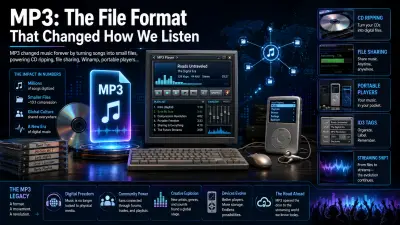
MP3: The File Format That Changed How We Listen
MP3 changed music forever by turning songs into small files, powering CD ripping, file sharing, Winamp, portable players, personal libr...
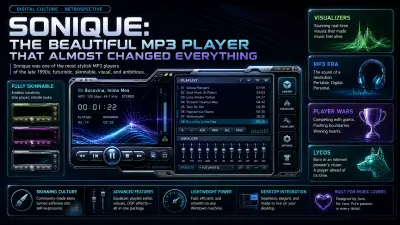
Sonique: The Beautiful MP3 Player That Almost Changed Everything
Sonique was one of the most stylish MP3 players of the late 1990s: futuristic, skinnable, visual, and ambitious. It never defeated Wina...
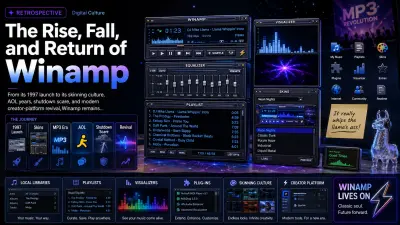
The Rise, Fall, and Return of Winamp
From its 1997 launch to its skinning culture, AOL years, shutdown scare, and modern creator-platform revival, Winamp remains one of des...
Conversation
0 Comments
Keep the discussion focused on the article. Safe markdown formatting is supported for signed-in members.
No comments yet
Start the conversation if you have feedback, context, or a question about this update.