
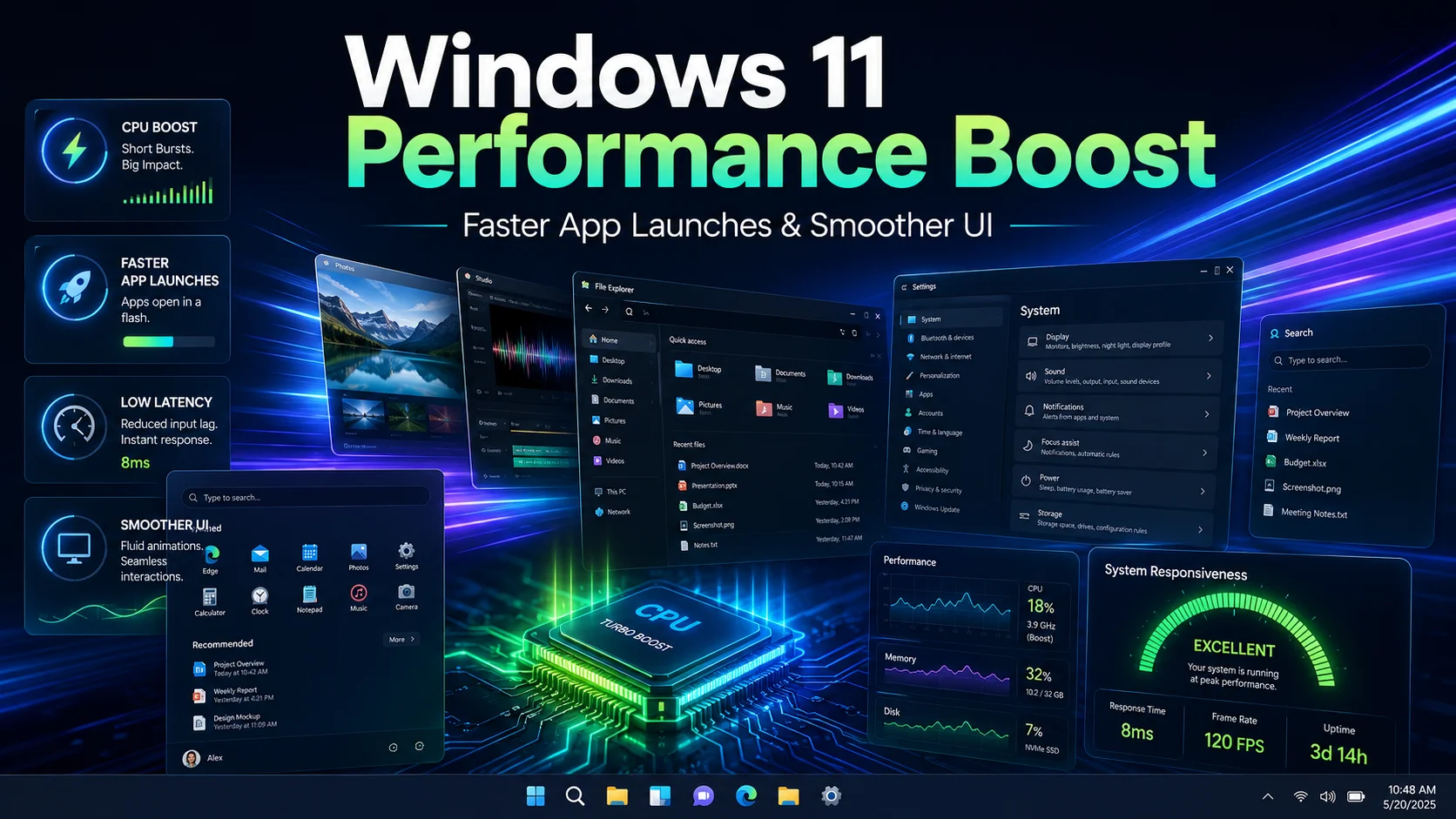
Microsoft is reportedly testing a Windows 11 performance feature that briefly boosts CPU frequency during high-priority actions to make app launches, Start, Search, and system interactions feel more responsive.
Windows 11 may be getting a practical performance upgrade aimed at making the operating system feel faster during everyday use.
According to reports, Microsoft is testing a new feature that temporarily boosts CPU frequency in short bursts when high-priority actions are triggered. The goal is to improve responsiveness during moments users actually notice, such as launching applications, opening system UI, or interacting with important shell elements.
This is not about raising performance all the time. The idea is closer to a short wake-up behavior: the system briefly increases performance, completes the task faster, and then returns to a lower-power state. A later test described the feature as a hidden Low Latency Profile, where CPU frequency can briefly spike for a few seconds during actions such as opening apps, the Start menu, flyouts, or context menus.
For users, the most important part is not the technical detail, but the feeling. Windows performance is often judged in small moments: how quickly the Start menu appears, how fast File Explorer opens, how responsive right-click menus feel, and whether apps launch without hesitation. If this feature works well, it could make Windows 11 feel smoother even without major visible design changes.
The timing also fits Microsoft’s broader 2026 Windows quality push. Microsoft has said it is focusing on making Windows 11 more responsive and consistent, including improvements to system performance, app responsiveness, File Explorer, and the Windows Subsystem for Linux.
Microsoft’s recent quality updates also mention targeted performance and power tuning improvements for frequently used operating system and app scenarios. These optimizations are intended to accelerate app launch and core shell experiences such as Start, Search, Action Center, and other common desktop interactions.
That context makes this reported CPU burst feature more interesting. It suggests Microsoft is not only changing the look of Windows 11, but also trying to improve the short interactions that shape how fast the desktop feels.
There are still questions. Because this feature is in testing, it may change before release. Microsoft may adjust when it activates, how long the boost lasts, which devices receive it, and whether it behaves differently on desktops, laptops, tablets, and handheld gaming PCs.
Battery life and heat are also important concerns. A short CPU boost can improve responsiveness, but it must be carefully tuned so it does not waste power or create unnecessary fan noise. Reports suggest the bursts are brief enough that the impact should be limited, but real-world behavior will matter once more people can test it on different hardware.
For creators, this kind of improvement could be useful. Many Skinbase users work with browsers, image editors, file managers, design tools, development environments, and asset folders. Faster app launches and smoother system UI may not sound as exciting as a new visual feature, but they can improve the daily creative workflow.
This is also a reminder that desktop performance is not only about benchmark numbers. A computer can have a powerful CPU and still feel slow if the operating system waits too long to respond. Small latency improvements can make the whole desktop feel more polished.
Windows 11 has often been criticized for feeling heavier than it should. If Microsoft can reduce delays in common actions, improve File Explorer, reduce memory use, and make the shell more responsive, Windows 11 could become much more pleasant for everyday users.
For now, this feature should be treated as a promising test, not a guaranteed final release. But if it ships, it could be one of those quiet improvements that users feel immediately.
Sometimes the best update is not the one that adds another button. It is the one that makes the whole system feel faster.
Sources: Windows Central report, Windows Latest test, and Microsoft Windows quality update.
Related Articles
Google Pushes AI Creativity Further at I/O 2026
Google I/O 2026 introduced a new wave of AI updates for creators, including tools for image editing, video generation, search, agents,...
Apple WWDC 2026 Begins June 8 with AI and Developer Tool Updates
Apple’s WWDC 2026 starts on June 8 with platform updates, AI advancements, developer tools, and sessions for the Apple ecosystem.

Avatar: Frontiers of Pandora Art Blast Shows Cinematic Environment Design
ArtStation’s Avatar: Frontiers of Pandora – From the Ashes Art Blast highlights Ubisoft’s cinematic environment design, darker worldbui...

Dataland, the First Museum of AI Arts, Opens in Los Angeles This June
DATALAND, billed as the world’s first Museum of AI Arts, opens in Los Angeles this June with Machine Dreams: Rainforest, an immersive e...
Conversation
0 Comments
Keep the discussion focused on the article. Safe markdown formatting is supported for signed-in members.
No comments yet
Start the conversation if you have feedback, context, or a question about this update.