
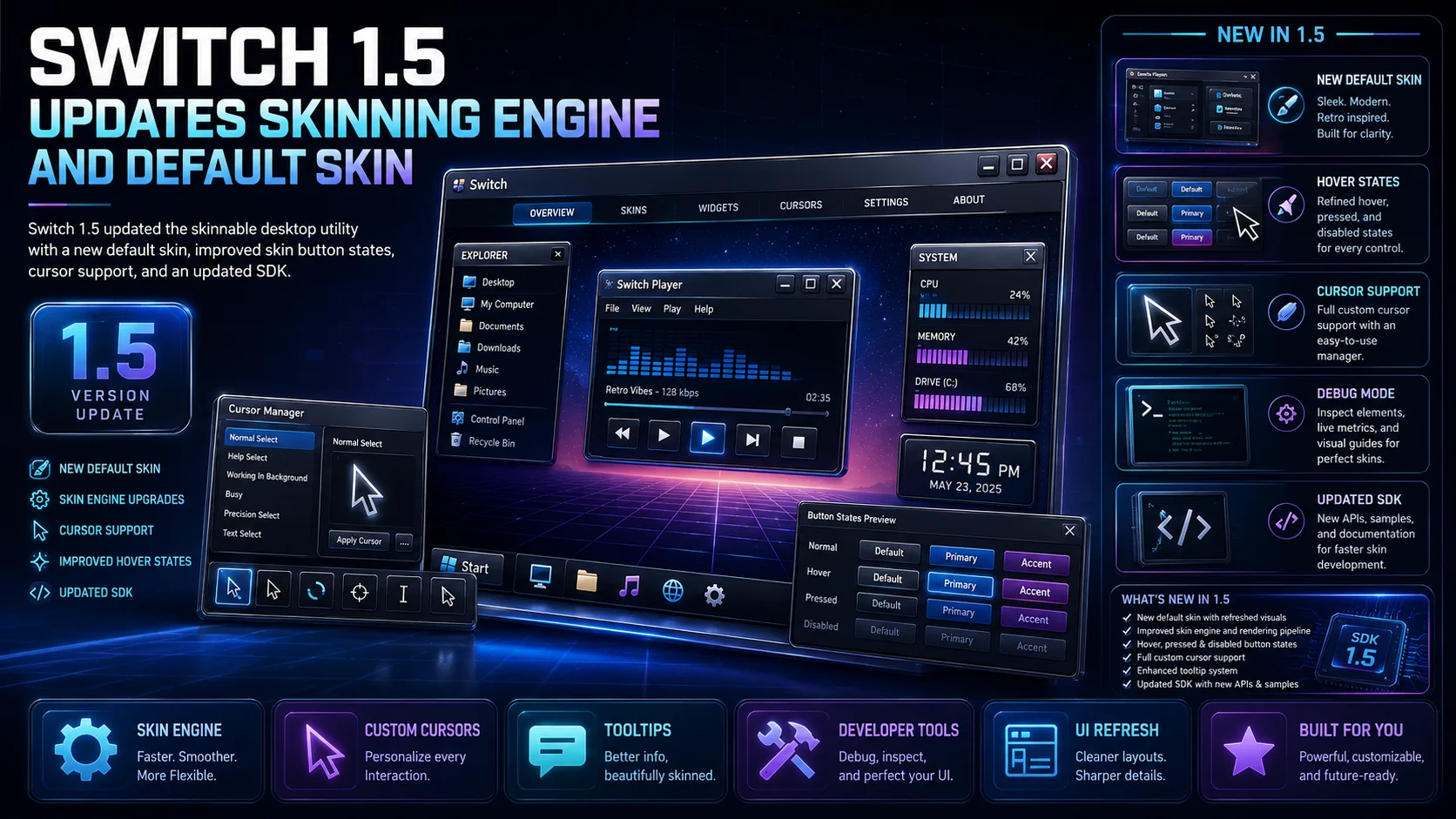
Switch 1.5 updated the skinnable desktop utility with a new default skin, improved skin button states, cursor support, debug tools, and an updated Skin Development Kit.
Switch 1.5 was released with several new features and improvements for users and skin developers.
One of the main highlights of this version was a new default skin called Plated, created by Plastic. The release also brought a significantly updated skinning engine, making Switch more flexible and better suited for customized visual interfaces.
The zoom example was improved so it could display the area underneath that part of the application when a skin changed. This was especially useful for skins that placed artwork or logos under the zoom example area.
Switch 1.5 also fixed tooltip color issues that could appear when changing skins. Hover states were added to all skin buttons, giving skinners more control over interaction feedback and making the interface feel more polished.
The update expanded cursor support across all skin components, in addition to the existing pick and zoom functions. Users also gained the ability to disable custom cursors used by a skin, with the skin automatically refreshing when the setting changed.
For skin developers, Switch 1.5 added debug support. By starting the application with the -debug command-line parameter, developers could receive notifications about problems that occurred while loading a skin.
The Skin Development Kit was also updated, giving creators better resources for building and testing Switch skins.
Looking back, Switch 1.5 reflects the attention to detail that defined the early 2000s skinning community. Small interface behaviors such as hover states, custom cursors, tooltip colors, and skin debugging mattered because they helped creators build more complete and professional desktop experiences.
Original homepage: [http://www.highertendencies.com](http://www.highertendencies.com)
Related Articles
Rainlendar 2.24.1 Released with Desktop Calendar Fixes
Rainlendar 2.24.1 is now available, bringing fixes for Linux scrolling, Windows installers, QuickAdd input, and dark-mode help pages.
Blender 5.1 Released, 5.2 LTS Coming Next
Blender 5.1 has been released with workflow refinements, Grease Pencil improvements, rendering updates, shader workflow enhancements, a...
Inkscape 1.4.4 Release Candidate Available for Testing
Inkscape 1.4.4 RC is available for testing with crash fixes, bug fixes, performance improvements, updated translations, Windows on Arm...
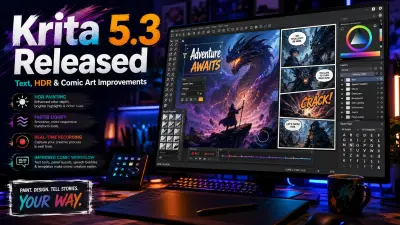
Krita 5.3 Released with Major Creative Tool Improvements
Krita 5.3 has been released with a rewritten text system, OpenType support, comic panel improvements, fill-tool gap closing, faster liq...
Conversation
3 Comments
Keep the discussion focused on the article. Safe markdown formatting is supported for signed-in members.
24 years ago
24 years ago
24 years ago