



Cinder
 ledsled

Installation JetAudio skin Wood
The Wood needs special TTF Fonts you have to install,and you can found here in your wood directory
Copy the Fonts to C:WindowsFonts and install them.
The Wood.jsk File you copy to the Jetaudio Skin Directory (Regulary C:ProgramsJetaudioSkins )
Then Start Jetaudio and click at the "Skin" - Button
In the Skinbrowser, you choose the Wood Skin and click "O.K."... Thats all...
Drop a reaction so other people instantly see whether this piece hits with love, fire, wow, or a quick clap.
Please, write me if this skin dont work and what - on my PC work good, but i tested on other PC and the add window (speakers)not working or whole skin dont work... :, I will try repair. I am sorry for my english. Thank Showdown.
Please, write me if this skin dont work and what - on my PC work good, but i tested on other PC and the add window (speakers)not working or whole skin dont work... :, I will try repair. I am sorry for my english. Thank Showdown.
Sign in to join the conversation.
ledsled ledsled
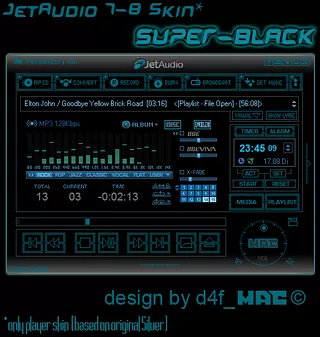 d4f_mac
 Alexey
 mediaplay
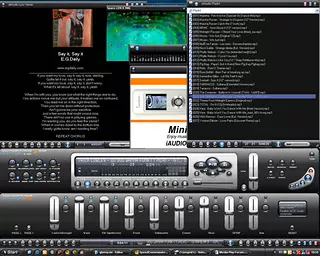 mediaplay
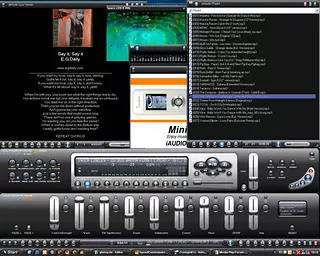 mediaplay
 mediaplayledsledledsledd4f_macAlexeymediaplaymediaplaymediaplaymediaplayledsledledsledd4f_macAlexeymediaplaymediaplaymediaplaymediaplay
We use essential cookies to keep you logged in and protect your session. With your permission we also load advertising cookies from third-party networks. Learn more ↗