


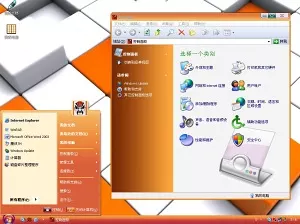
DZVista Orange
 dvtv
dvtv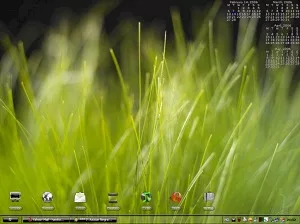
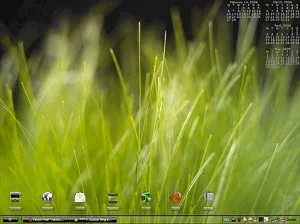
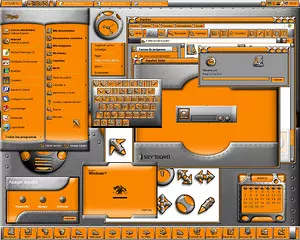
Clear and clean transparent suite based on tight work made by some great authors: WB: Clear One by Evgen, WA: ClearOneBeta, IP: Iced System, Hus. A big to all authors involved.
Drop a reaction so other people instantly see whether this piece hits with love, fire, wow, or a quick clap.
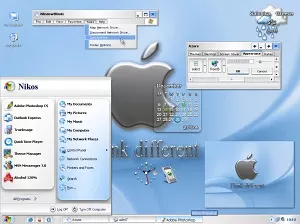
Check out IconX, a great prg for editing your icons: add shadow, tweak size, make it swell up on mouseover etc.. The calendar is a feature of Webshots, a free wallpaper prg and site with 5 free walls pr day. No adware or bs.
hi!I don´t install it.I use windowblinds but I can{t open it."there appears to be no .uis file in this skin. Are you sure it is a WindowBlinds skin?.How can i install it?It´s very nice.help me please!!!!!!!!Thanks
You must have Thememanager from Stardock as the main program. Then Windowblonds,Iconpackager, Winamp, Bootskin, Logon, and CursorXP.
Thememanager will take care of the installation.
hi, i dont use WB or TM of stardock i just use the normal theme manager of win xp, i just like this its really nice, please help me Thanks
After you downloaded the theme, open Windowblinds and go " Install skin stored on the computer " find the CLear ONe " WB folder, inside it is the Clear One file, click on it. It will upload into the WB library.
Sign in to join the conversation.
dvtv jalentorn
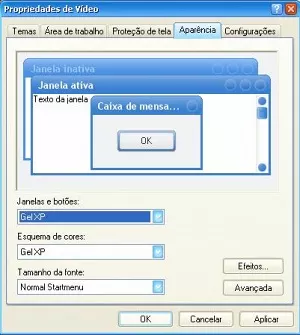 julianogpc
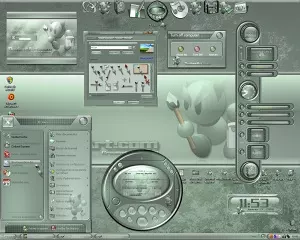 xav73
xav73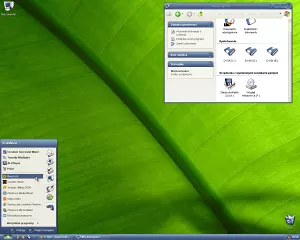 scab
scab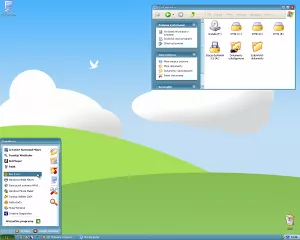 scab
scab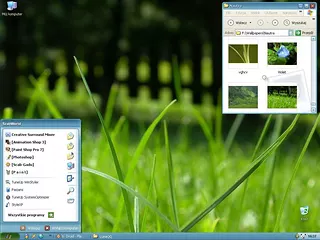 scab
scab jalentorn
 adni18
 apocalypse_67
 jalentorndvtvjalentornjulianogpcxav73scabscabscabjalentornadni18apocalypse_67jalentorndvtvjalentornjulianogpcxav73scabscabscabjalentornadni18apocalypse_67jalentorn
We use essential cookies to keep you logged in and protect your session. With your permission we also load advertising cookies from third-party networks. Learn more ↗